Someone is at your door. Maybe it's a delivery driver leaving a package in the rain. Maybe it's your neighbor's kid selling candy bars. Maybe it's nobody — just a squirrel doing squirrel things. Without a smart doorbell camera, you're stuck either ignoring the bell or hauling yourself off the couch to check. We dug through expert reviews from Wirecutter, CNET, and PCMag (updated as recently as March 2026) to find the six doorbells actually worth buying — whether you want the smartest AI detection money can buy or just a cheap camera that tells you when someone's there.
Best Overall: Google Nest Doorbell (Wired, 3rd Gen)
Google Nest Doorbell (Wired, 3rd Gen)
$180What's Included
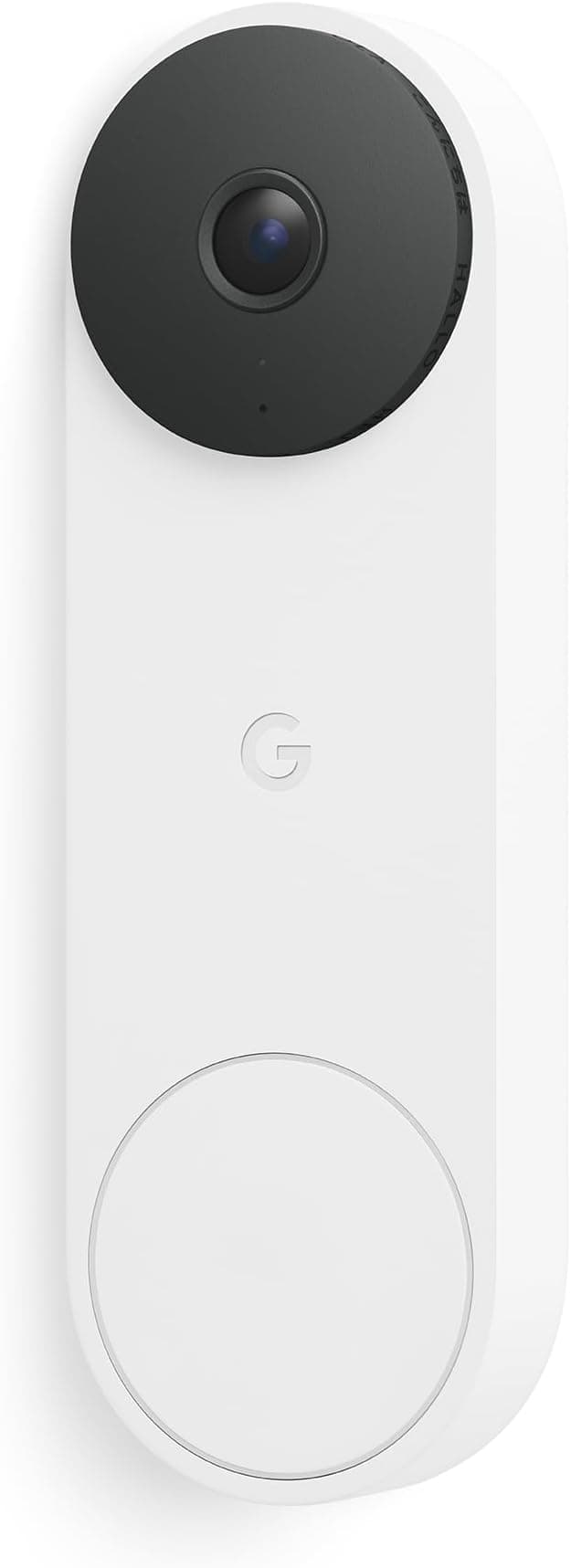
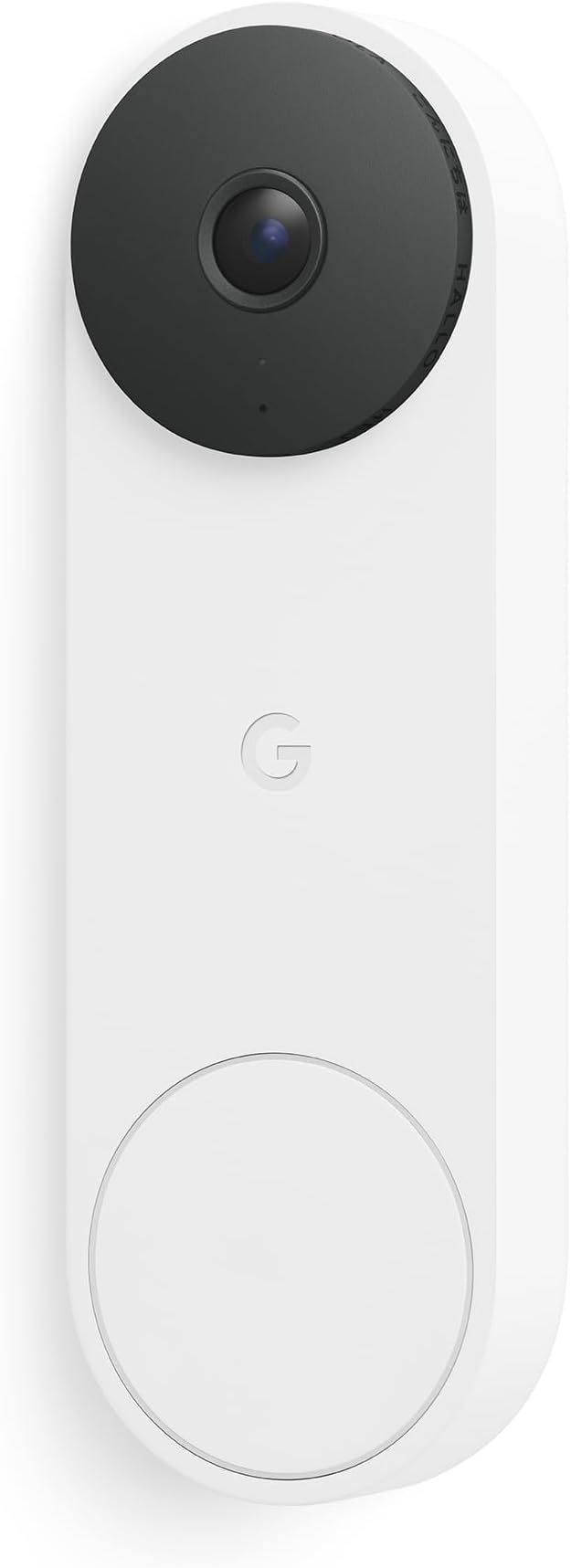
Wirecutter named the Nest Doorbell (Wired, 3rd Gen) their top pick in March 2026, and it's easy to see why — this is the doorbell that never misses a thing. In Wirecutter's testing, it detected every single event, distinguishing between people, animals, vehicles, and packages with the best accuracy of any doorbell they reviewed. CNET scored it 8.4 out of 10, praising its 2K resolution and tight Google Home integration.
Why the detection matters
Most doorbell cameras can tell you something moved. The Nest Doorbell tells you what moved. A cat crossing your driveway won't trigger an alert, but a person approaching your porch will. This isn't just a party trick — it's the difference between a useful security tool and a notification factory that trains you to ignore every ping.
The 166-degree field of view captures your entire porch area, and the 2K resolution means you can actually identify faces, not just blurry silhouettes. Wirecutter specifically highlighted how quickly smartphone alerts arrive and how fast the live view loads — both crucial when you're trying to catch a delivery driver before they leave.
The subscription catch
Here's the trade-off: the Nest Doorbell really wants you to pay $10 per month for Nest Aware. Without it, you get three hours of event-based cloud storage. That's enough to review recent activity, but you lose familiar face detection, extended event history, and continuous 24/7 recording. That $10/month is the most expensive subscription among the doorbells we compared, and over two years, it adds $240 to the cost.
What about Gemini AI?
Google has been adding Gemini AI features to the Nest ecosystem, but Wirecutter found them "still unreliable" as of early 2026. Consider them a future bonus rather than a buying reason. The core detection and alerting — the stuff that matters — works great right now.
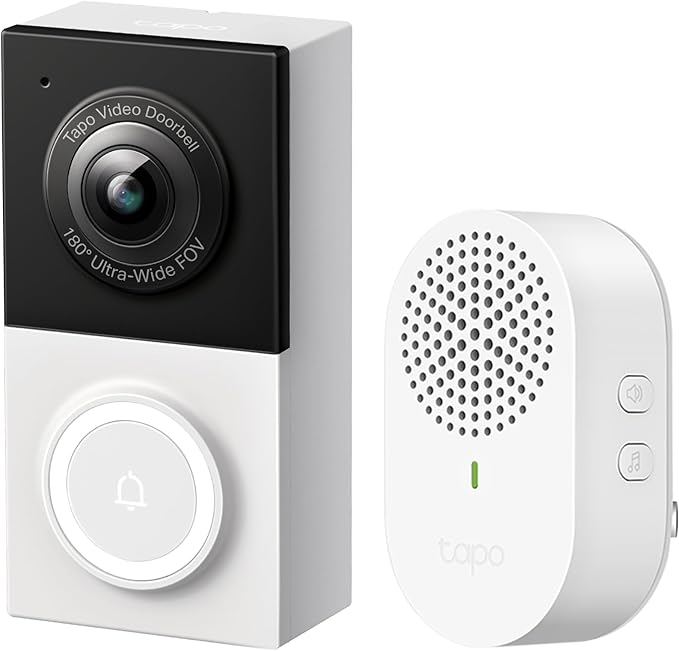
Best Battery-Powered: TP-Link Tapo D225 Video Doorbell Camera
TP-Link Tapo D225 Video Doorbell Camera
$90What's Included
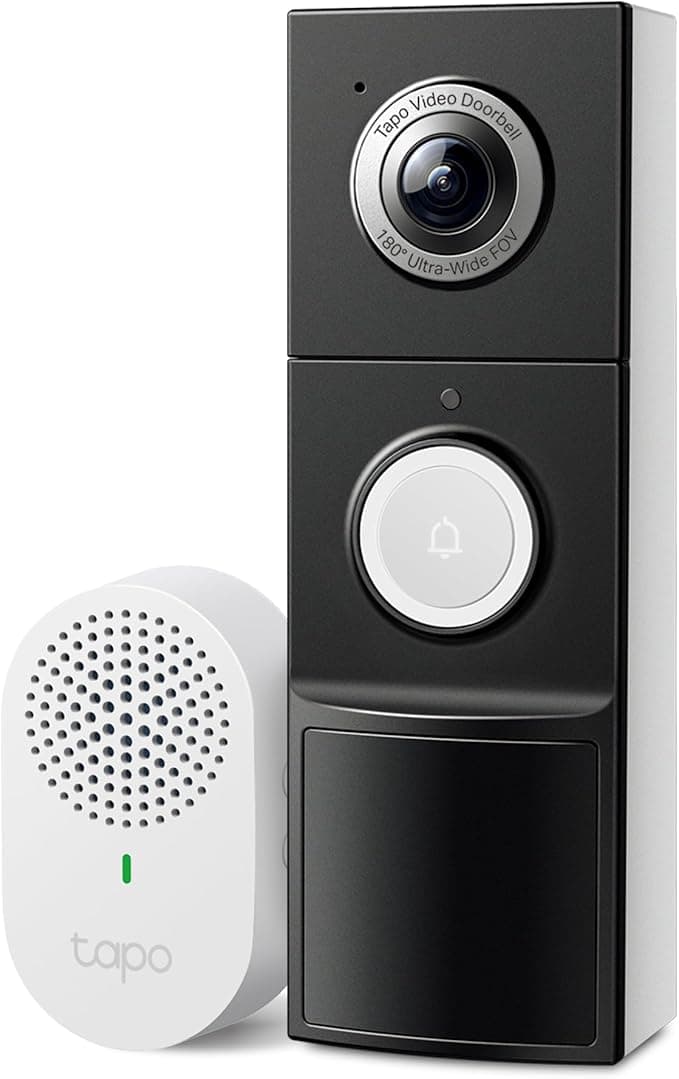
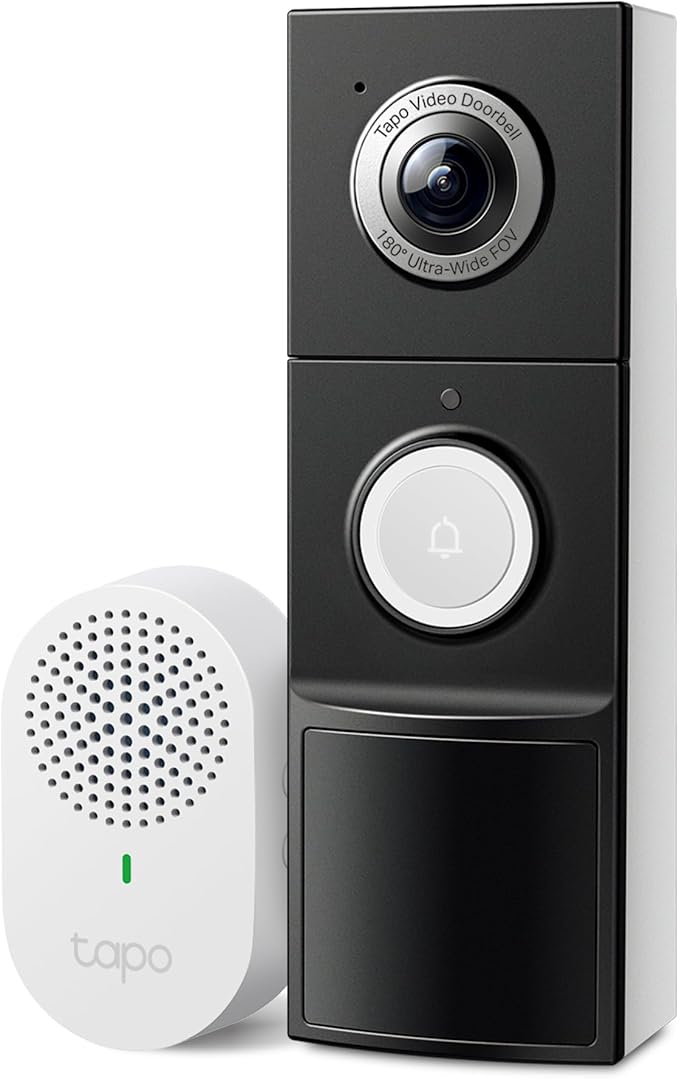
Wirecutter named the Tapo D225 their top battery-powered pick, and The Verge called it "a good doorbell for a great price." The appeal is straightforward: you get 2K video, smart object detection, and local microSD storage for under $100 — with zero subscription fees required. If you're allergic to monthly charges, this is your doorbell.
No wires, no subscriptions, no problem
The D225 runs on battery for 3 to 4 months between charges, or you can hardwire it if you have existing doorbell wiring. It distinguishes between people, animals, vehicles, and packages — the same categories the $180 Nest Doorbell tracks — and stores everything on a microSD card right in the device. Wirecutter praised the "phone call-style" alerts that ring your phone like an actual call when someone presses the button, making it harder to miss visitors.
The trade-offs at this price
The D225 is bulky. There's no getting around it — this thing sticks out from your doorframe like a small brick. The 180-degree wide-angle lens also creates a noticeable fish-eye effect, which means edges of the frame look stretched. And Wirecutter found that the color night vision works inconsistently, sometimes defaulting to black-and-white even when there's ambient light. None of these are deal-breakers, but if aesthetics matter to you, the slimmer Nest Doorbell or Arlo look much better on a doorframe.
Best Budget: TP-Link Tapo D130 Smart Wired Video Doorbell
TP-Link Tapo D130 Smart Wired Video Doorbell
$45What's Included
Wirecutter's budget pick costs less than a nice dinner out and still shoots 2K video. The Tapo D130 proves you don't need to spend $200 to get a smart doorbell that works. At street prices regularly under $50, this is the easiest entry point into doorbell cameras.
What $45 gets you in 2026
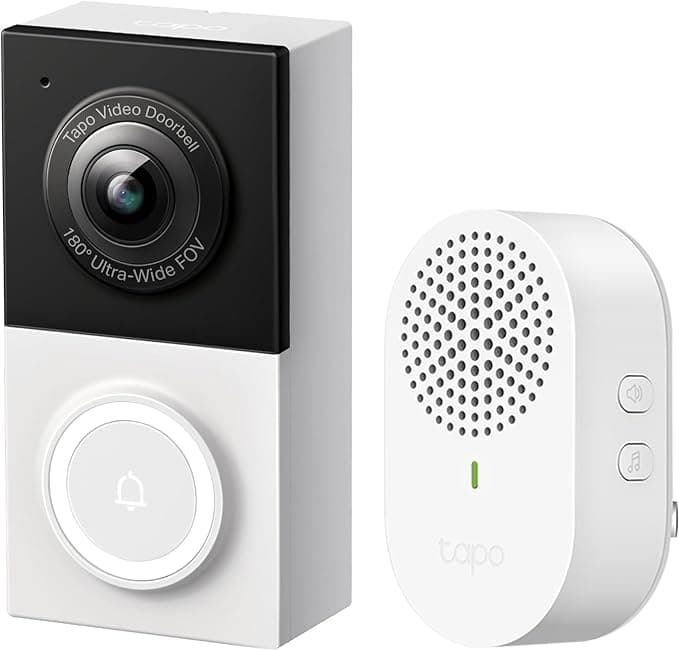
A lot, actually. The D130 records 2K video, distinguishes between different types of motion (people, vehicles, animals), and stores clips locally on a microSD card — no subscription required. The 180-degree field of view matches doorbells costing three times as much. You get detection zones, two-way audio, and phone call-style alerts just like its battery-powered sibling, the D225.
The wiring situation
This is a wired doorbell, but there's a twist: it doesn't work with your existing doorbell chime. Instead, TP-Link includes a separate plug-in chime that you place inside your home. That's fine if you have an outlet near your entryway, but it means an extra step and a thing plugged into your wall. If your existing chime is central to your setup, the Nest Doorbell or Eufy S220 both play nice with traditional chimes.
Is it too cheap?
Wirecutter found the same fish-eye distortion issue as the D225 — it's a TP-Link thing — and the three-minute recording clips, while generous, are the maximum. But at this price, you'd need a very compelling reason not to buy one. Even if you upgrade later, the D130 works great as a secondary camera for a back door or side entrance.
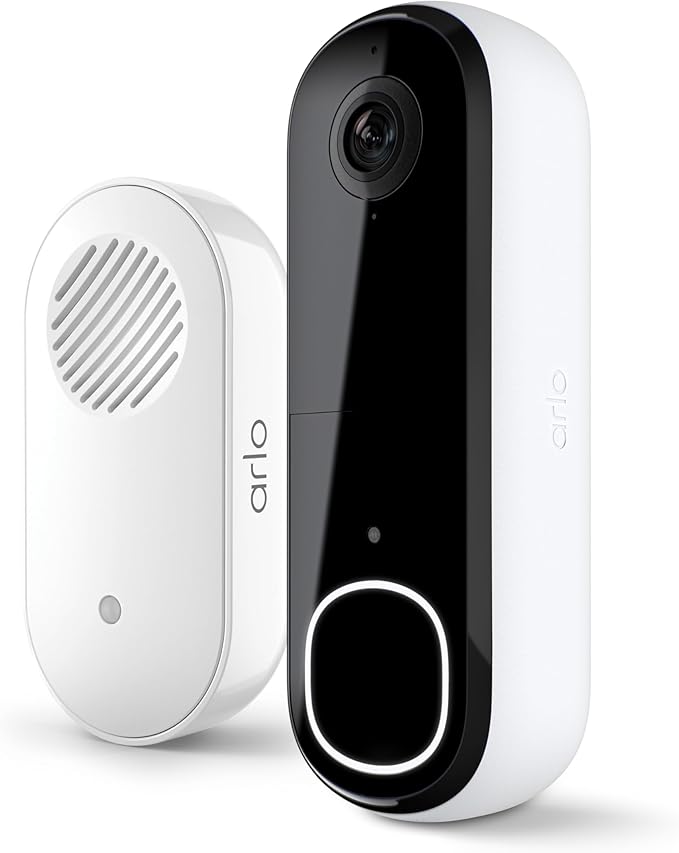
Best for Security Systems: Arlo 2K Video Doorbell (2nd Gen)
Arlo 2K Video Doorbell (2nd Gen)
$150What's Included
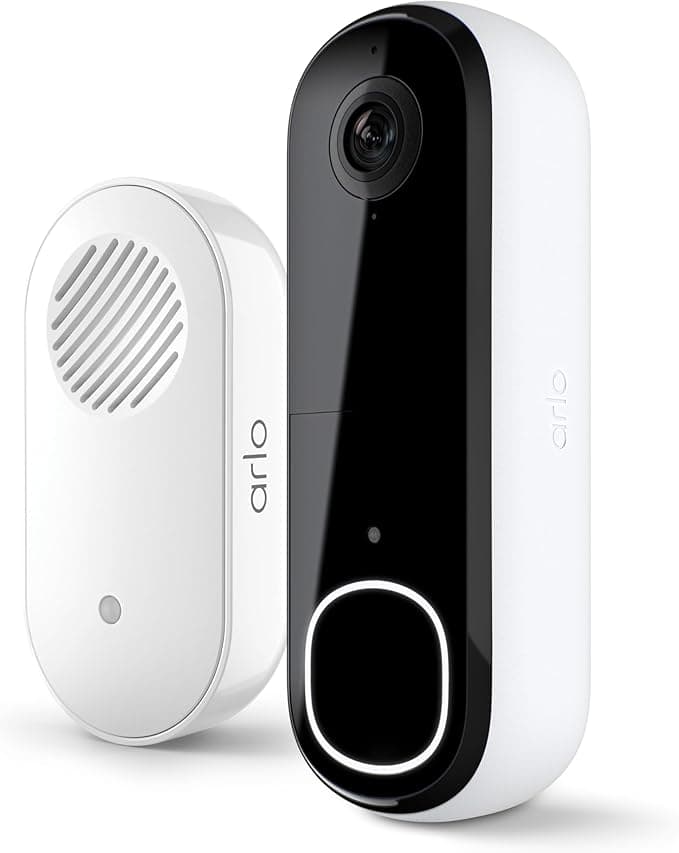
CNET gave the Arlo 2K Video Doorbell their "Best Overall" rating with an 8.5/10 — the highest score of any doorbell on this list. Where the Arlo really shines is for people who want their doorbell to be part of a broader security setup. If you already own Arlo cameras or plan to build out a full Arlo system, this doorbell slots right in.
The security-first doorbell
The built-in siren sets the Arlo apart from most competitors. When someone sketchy is on your porch, you can trigger a loud alarm directly from the doorbell — no separate alarm system needed. The 180-degree field of view and 2K resolution capture sharp, wide footage, and CNET praised the app's usability for managing alerts and reviewing footage.
The Arlo works on battery or wired, giving you flexibility during installation. The quick-release battery pops out for charging, which is more convenient than unmounting the whole doorbell like some competitors require.
Subscription reality check
Arlo's free tier is stingy. Without the $8/month Arlo Secure plan, you get live viewing and two-way talk, but no cloud storage, no AI detection, and no smart alerts. That makes the "real" cost of the Arlo closer to $250 in the first year. If you already pay for Arlo Secure for other cameras, adding the doorbell costs nothing extra — which is exactly why this works best as part of a system rather than a standalone purchase.
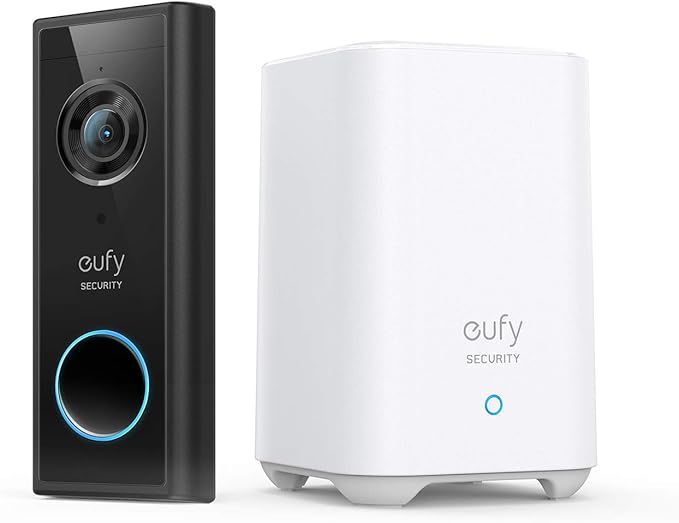
Best Local Storage: Eufy Security Video Doorbell S220
Eufy Security Video Doorbell S220
$130What's Included
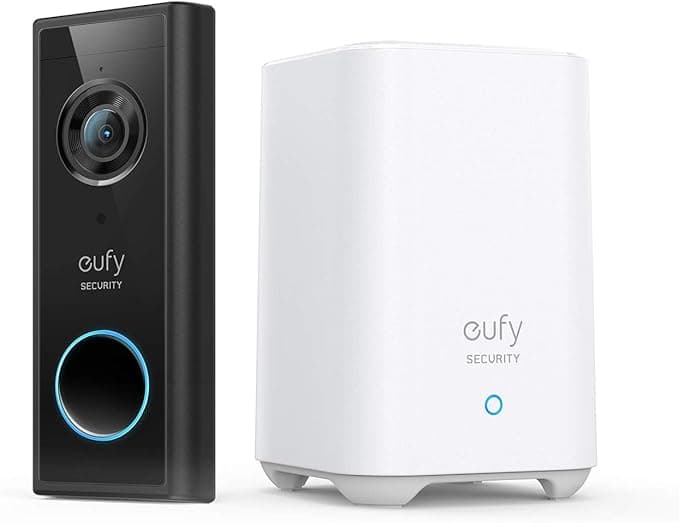
If the idea of your doorbell footage sitting on someone else's server makes you uncomfortable, the Eufy S220 keeps everything local. Wirecutter named it "Best for Storing Video Indoors" because the included HomeBase unit — which lives inside your house — stores all recordings on 16GB of built-in storage. No cloud, no subscription, no monthly fees.
Privacy without compromise (mostly)
The HomeBase approach has a genuine security advantage: a porch pirate can't steal your footage by stealing the doorbell, because the recordings live on a separate device inside your home. Battery life hits about 4 months per charge, which Wirecutter called "excellent." The S220 works with your existing mechanical chime, so you don't need a separate plug-in unit like the TP-Link models.
The elephant in the room
Wirecutter reports that Eufy is discontinuing the S220. That doesn't mean it stops working tomorrow, but it does mean future software updates and support are uncertain. If you buy one now, expect it to work well for the near term but plan accordingly.
There are also some performance limitations. Clips are capped at 60 seconds with 8-second gaps between recordings, meaning you could miss short interactions that happen between clips. And the AI detection isn't as sharp as the Nest Doorbell — it mainly distinguishes between people and general motion, without the vehicle/package/animal granularity of more expensive models.
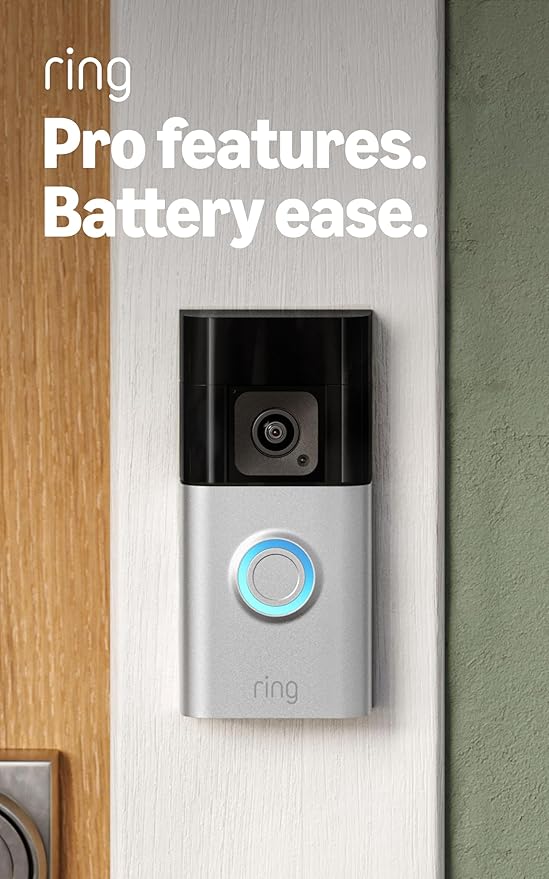
Best Motion Tracking: Ring Battery Doorbell Pro
Ring Battery Doorbell Pro
$200What's Included
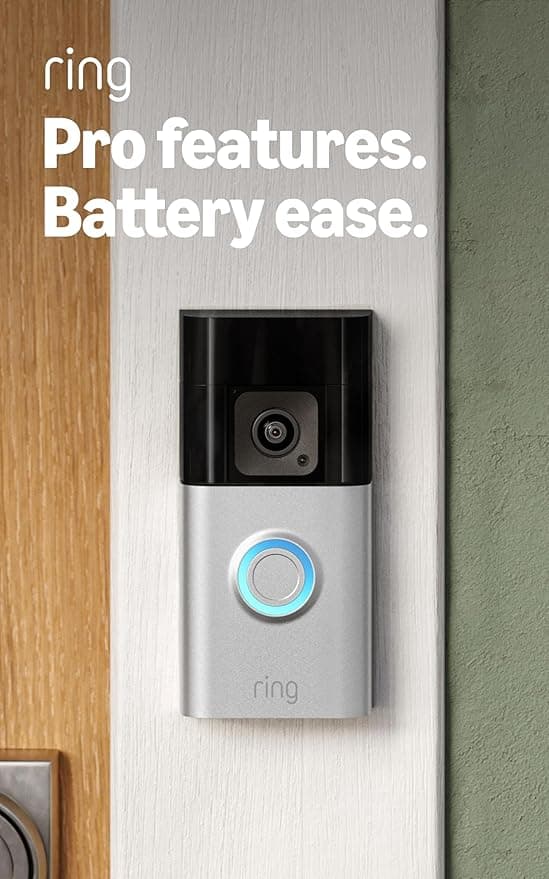
Ring practically invented the smart doorbell category, and the Battery Doorbell Pro is their most advanced wireless model. CNET gave it 7.5/10 and named it their "Best Wireless" pick, primarily because of two standout features: 3D motion detection and Bird's Eye View.
What Bird's Eye View actually does
Most doorbells show you a flat video clip. The Ring Battery Doorbell Pro also tracks movement on an overhead map of your property. You can see exactly where someone walked — did they come from the sidewalk, cut across your lawn, or approach from the side of the house? CNET highlighted this as genuinely useful for understanding motion patterns over time, not just reacting to individual events.
The 3D motion detection feeds into this by more accurately measuring distance and movement, which means fewer false alerts from cars driving by or trees swaying in the wind. Color night vision rounds out the feature set — you get clear, color footage even after dark.
Why it didn't rank higher
At $200 or more plus a $5/month Ring Protect subscription, this is an expensive doorbell that doesn't record in full 2K (it tops out at 1536p — still sharp, but not the sharpest). CNET noted the battery case is "clunky," and the removable battery, while a nice idea, adds bulk. And without that $5/month subscription, you can't store or review any footage at all.
If you're deep in the Amazon Alexa ecosystem and want automated greetings, Ring integration, and the Bird's Eye View tracking, the Battery Doorbell Pro delivers. But for most people, the Nest Doorbell or Tapo D225 offers more value.
Smart Doorbell Camera Comparison
Side-by-side breakdown of all 6 products
Smart Features
Lower is easier
Value for Money
Lower is easier
Installation Ease
Lower is easier
Monthly Costs
Frequently Asked Questions
Do smart doorbell cameras work without a subscription?
Yes — several models work well without paying monthly fees. The TP-Link Tapo D130 and D225 both store footage locally on microSD cards. The Eufy S220 stores recordings on its included HomeBase unit with 16GB of built-in storage. Google Nest offers three hours of free cloud storage, which is enough to catch recent events. Subscriptions unlock extras like extended history, facial recognition, and continuous recording, but the core see-who's-at-the-door experience works without them.
Can renters install smart doorbell cameras?
Yes — battery-powered models are your best bet. The TP-Link Tapo D225, Eufy S220, Ring Battery Doorbell Pro, and Arlo 2K all run on battery and mount with screws (or in some cases, adhesive strips). No wiring means no modifications to your rental. Just check with your landlord first — most are fine with it since you're technically improving security.
How long do smart doorbell camera batteries last?
It depends on traffic and weather. The Eufy S220 leads the pack at about 4 months per charge. The TP-Link Tapo D225 lasts 3 to 4 months. Ring models typically need charging every 2 to 3 months. Cold weather and frequent motion events drain batteries faster — if your doorbell faces a busy sidewalk, expect shorter life. Most models charge via USB in 4 to 6 hours, and some (like the Ring Battery Doorbell Pro) have removable batteries so you can swap in a charged spare without removing the doorbell.
Are smart doorbells secure from hackers?
Major brands like Google, Ring, Arlo, and TP-Link use encrypted connections for video transmission and storage. The biggest security risk isn't the doorbell itself — it's weak passwords and skipping two-factor authentication. Enable 2FA on your doorbell account, use a unique password, and keep firmware updated. If privacy is a top concern, the Eufy S220's local-only storage means your footage never touches a cloud server.
How Scores Are Calculated
SmartHomeExplorer doesn't test products ourselves. We aggregate scores and recommendations from trusted publications including Wirecutter (updated March 2026), CNET (updated February 2026), and PCMag (updated March 2026). Our comparison scores weigh expert ratings, real-world testing results, feature sets, pricing, and subscription costs. When experts disagree, we note the discrepancy and explain each perspective so you can decide what matters most for your situation.
Last updated: March 5, 2026