

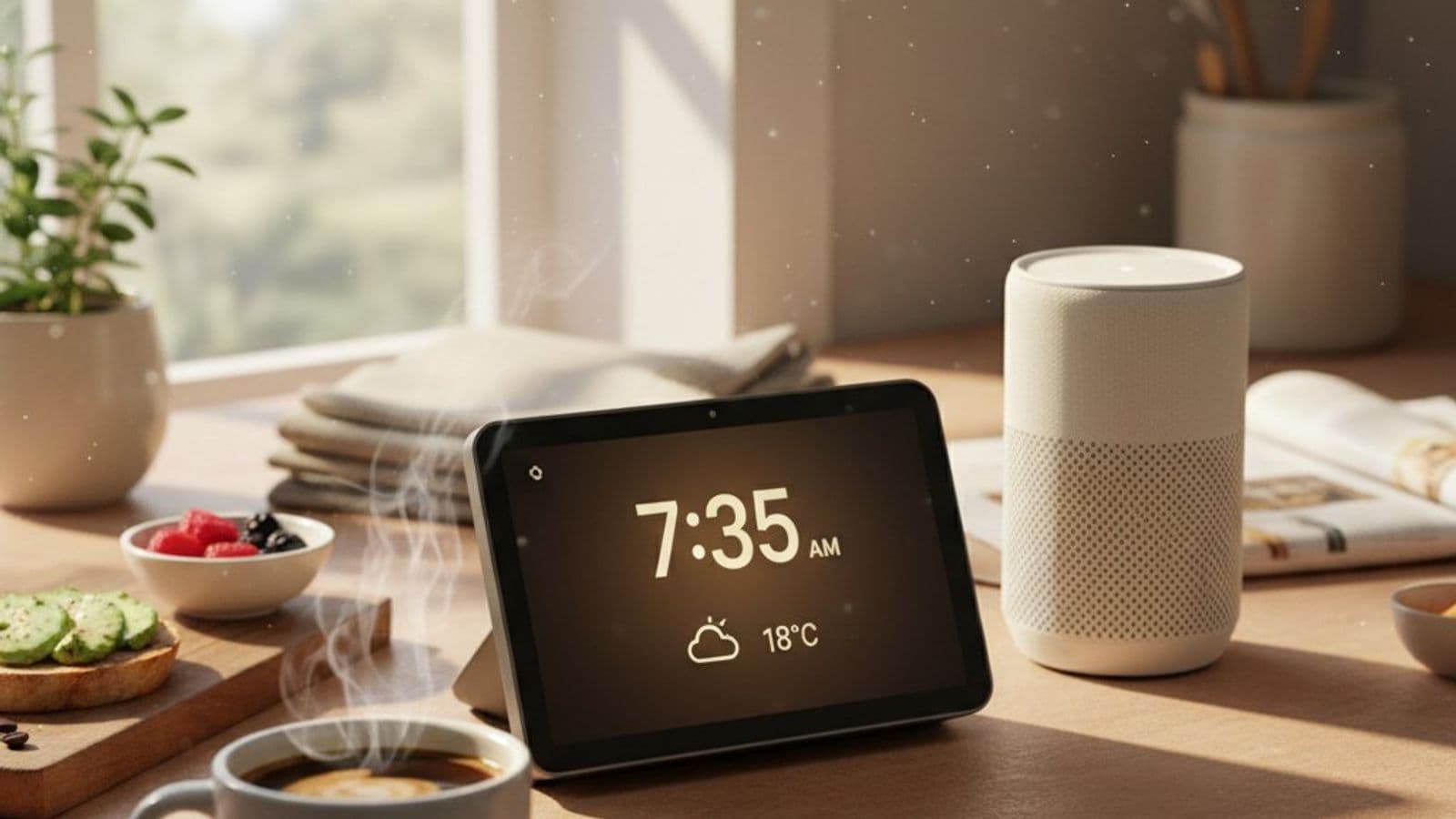
Best Smart Speakers and Displays 2026: Echo, Nest, HomePod
You bought the Echo Dot for a $25 timer. Now you have six Alexa devices and Apple keeps asking you to migrate. Pick by ecosystem, not spec sheet.
This article contains affiliate links. We may earn a commission at no extra cost to you. Learn more
Featured in this Guide
Amazon
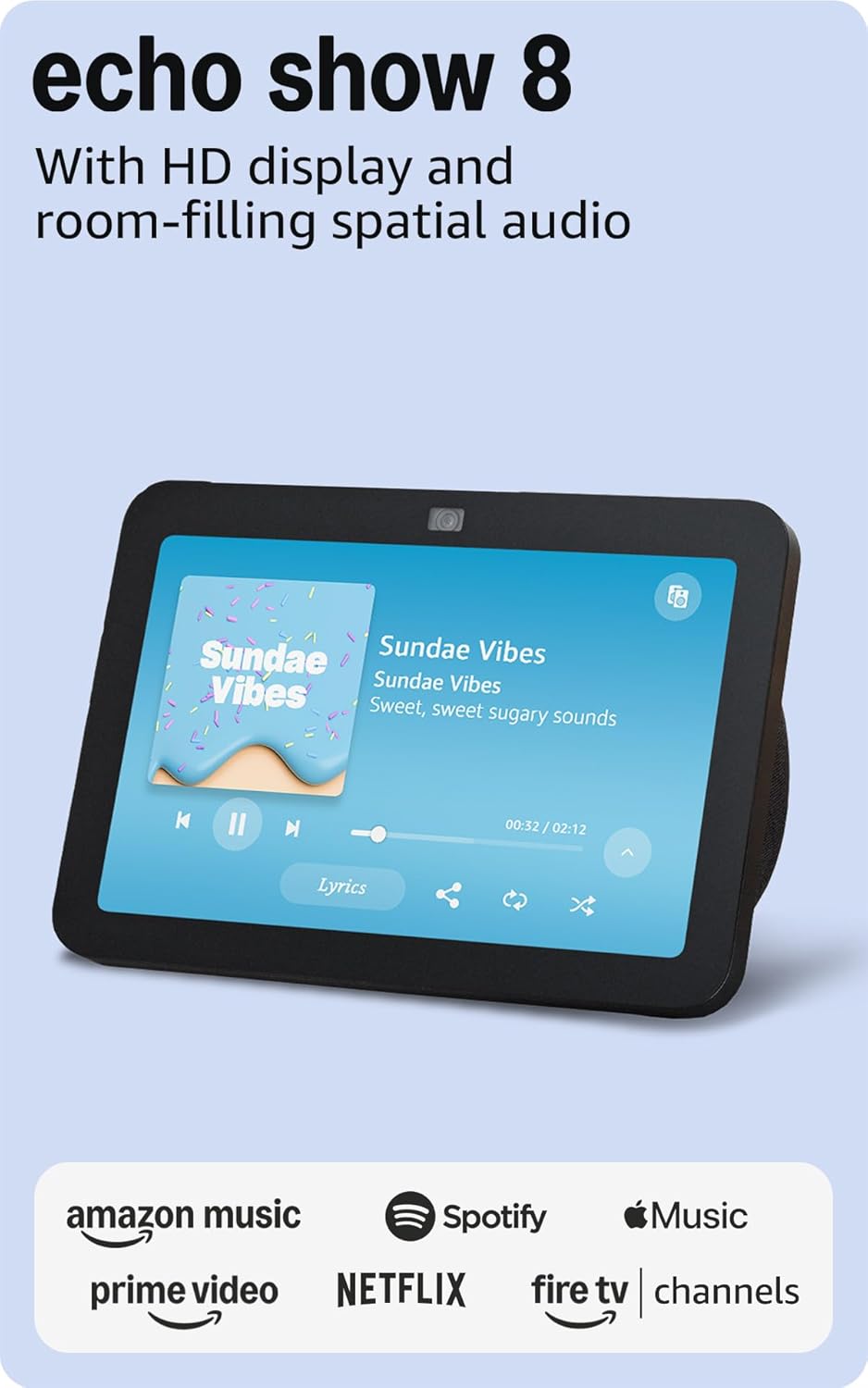
Echo Show 8 (3rd Gen)
- •$139.99 with Matter
- •Thread
- •and an 8.7-inch screen — replaces a separate hub for most starter setups
Apple
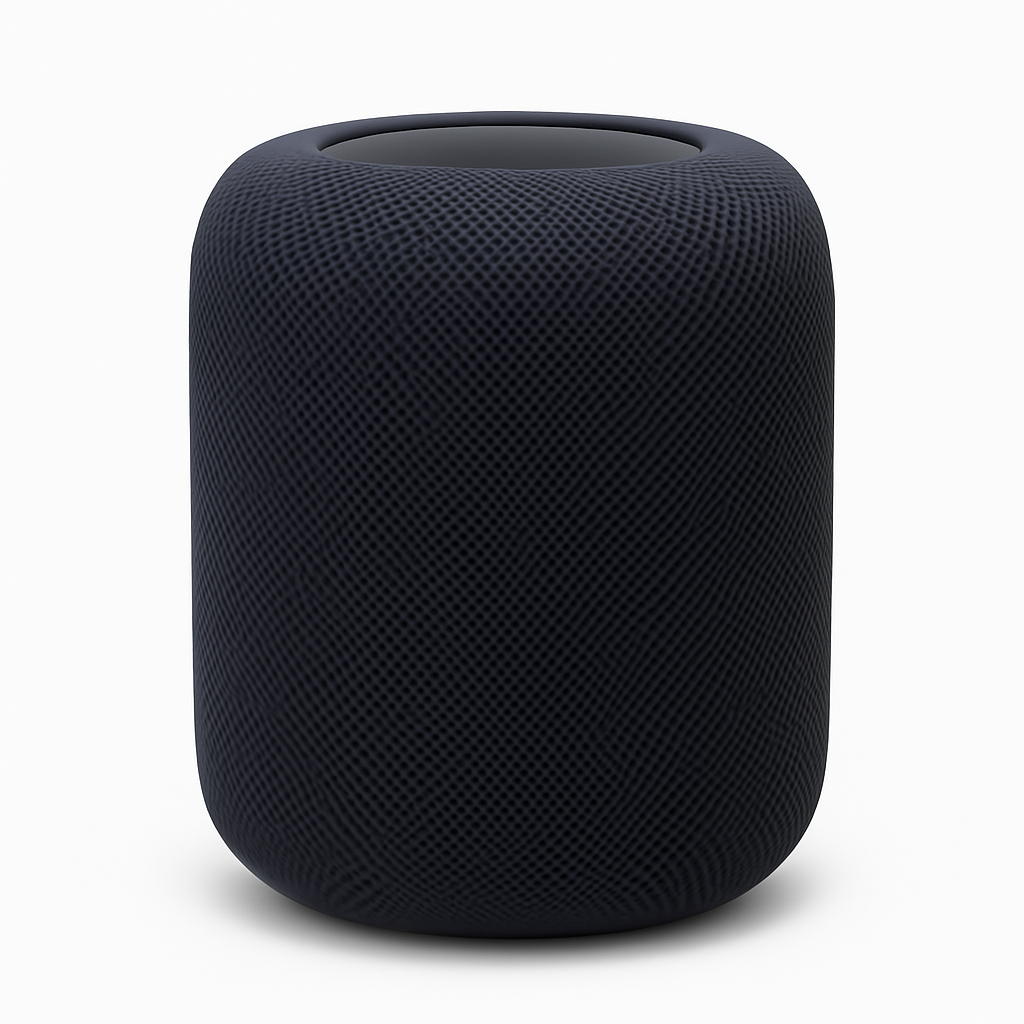
HomePod 2nd Gen
- •$286.41 with widest soundstage at 3m and -6dB bass extension to 50Hz
Amazon
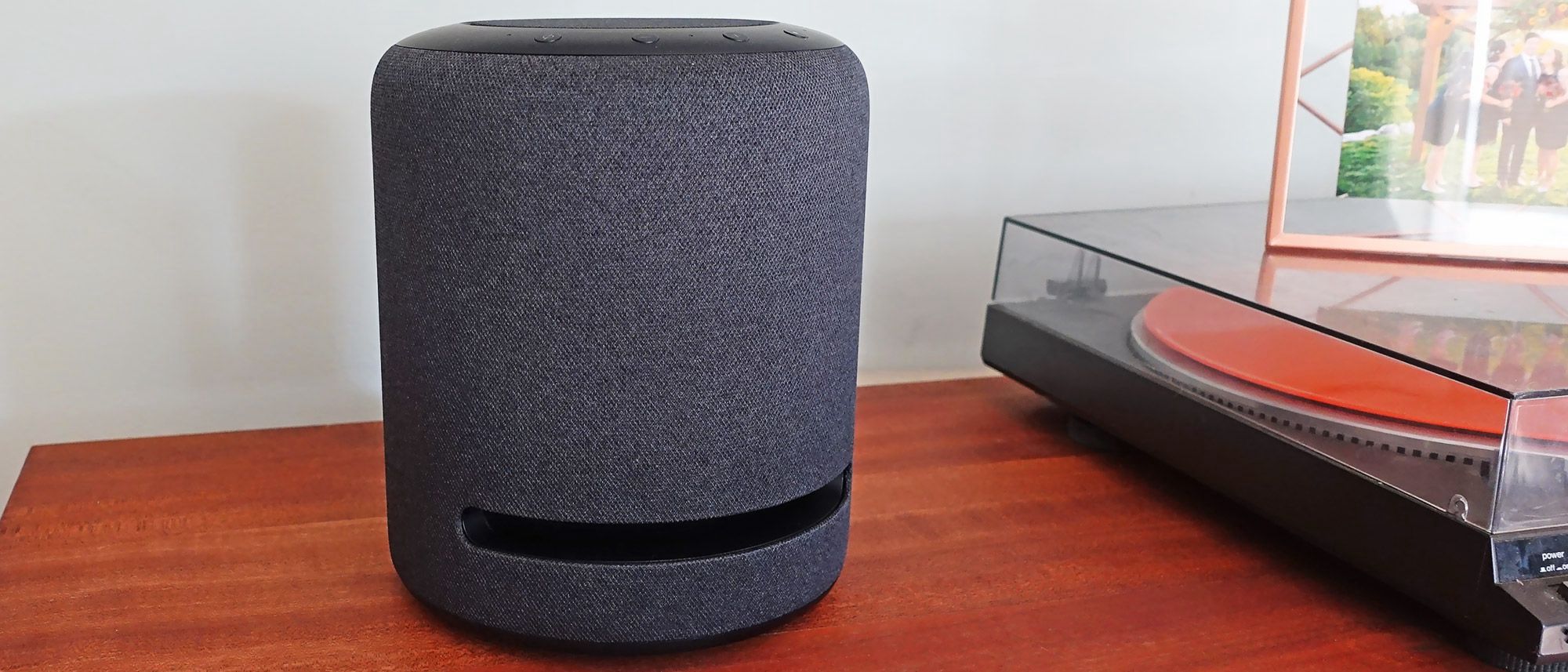
Echo Studio
- •$189.99 with Dolby Atmos
- •Zigbee hub built in
- •and Matter controller duty
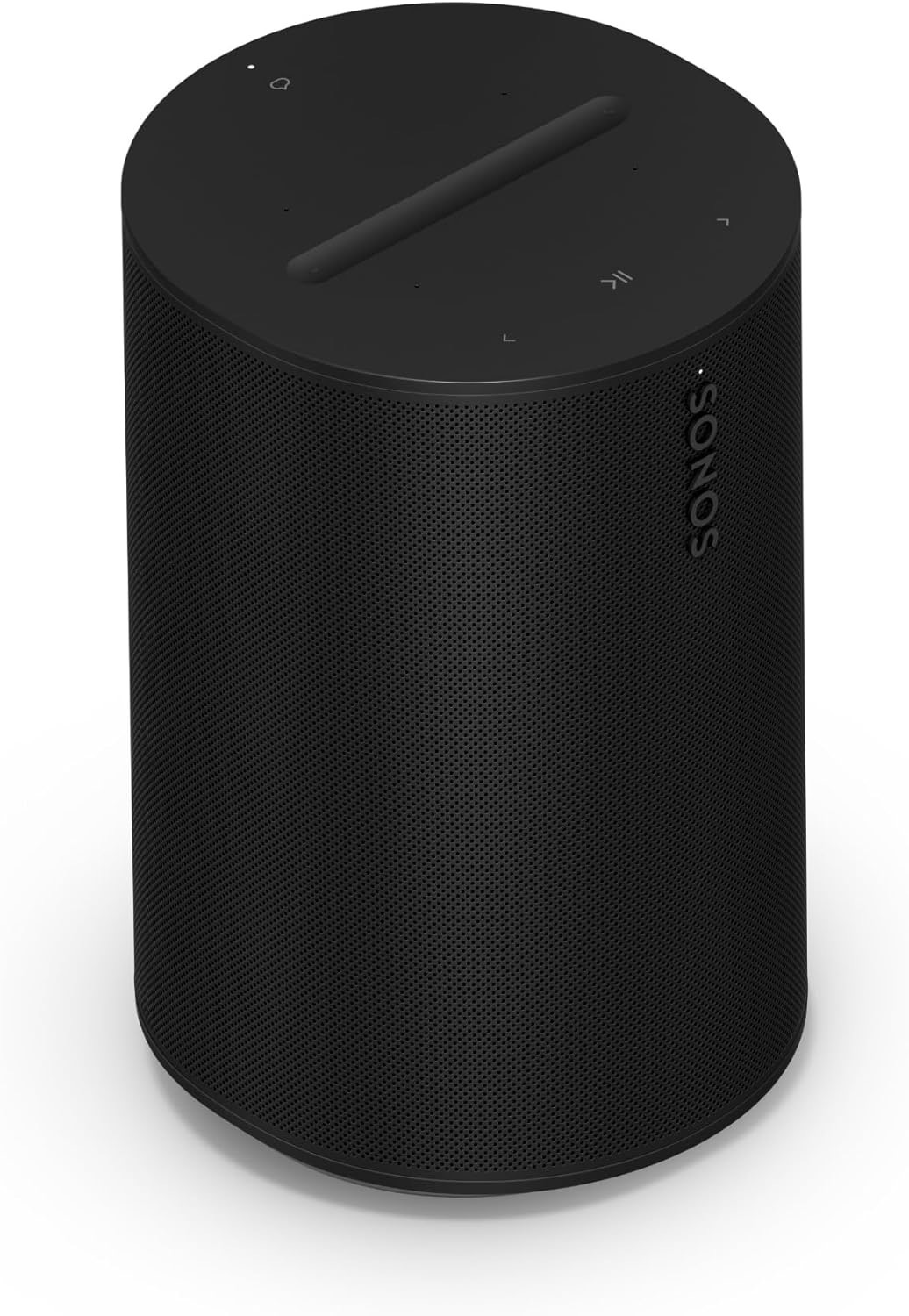
Sonos
Era 100
- •$219 with Trueplay tuning to ±2dB; ecosystem-neutral and works alongside any voice assistant
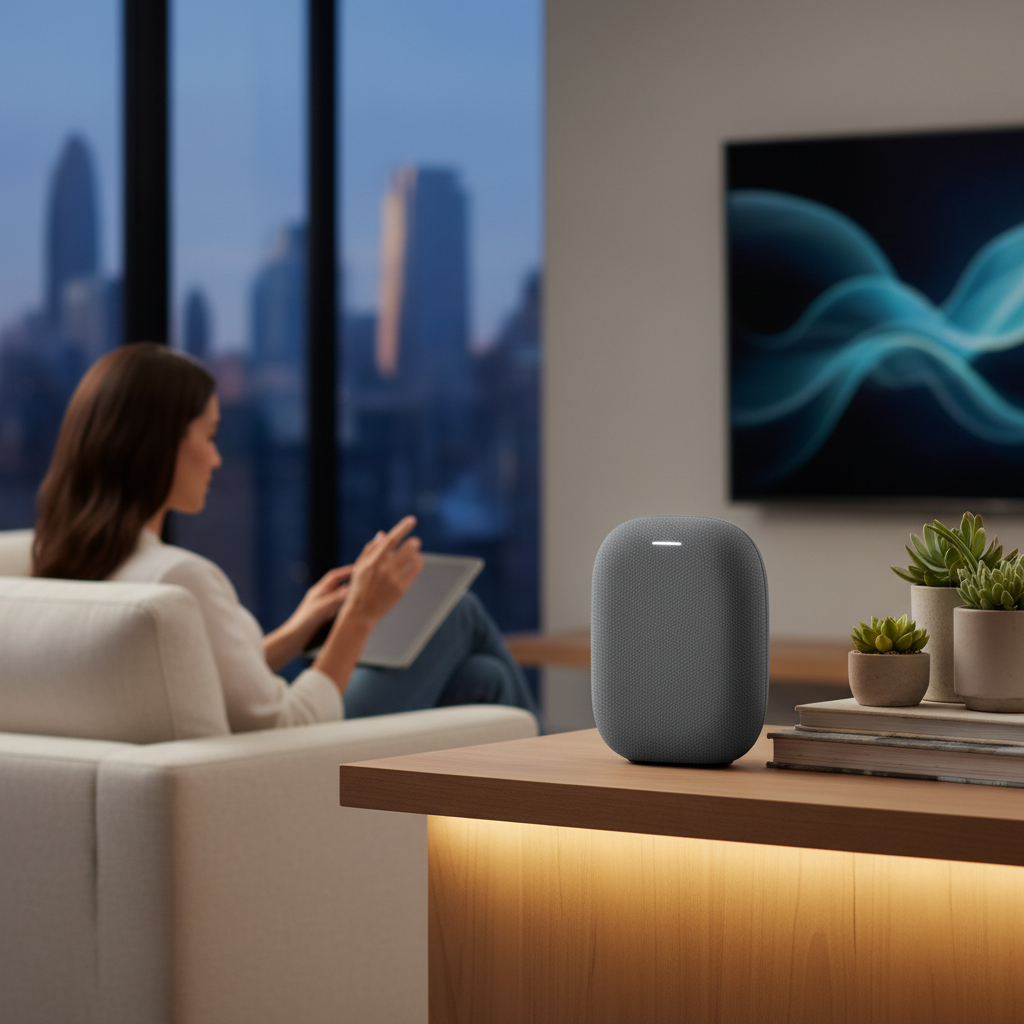
Nest Audio
- •$119.99 with the highest complex-query voice accuracy in PCMag's March 2026 benchmark
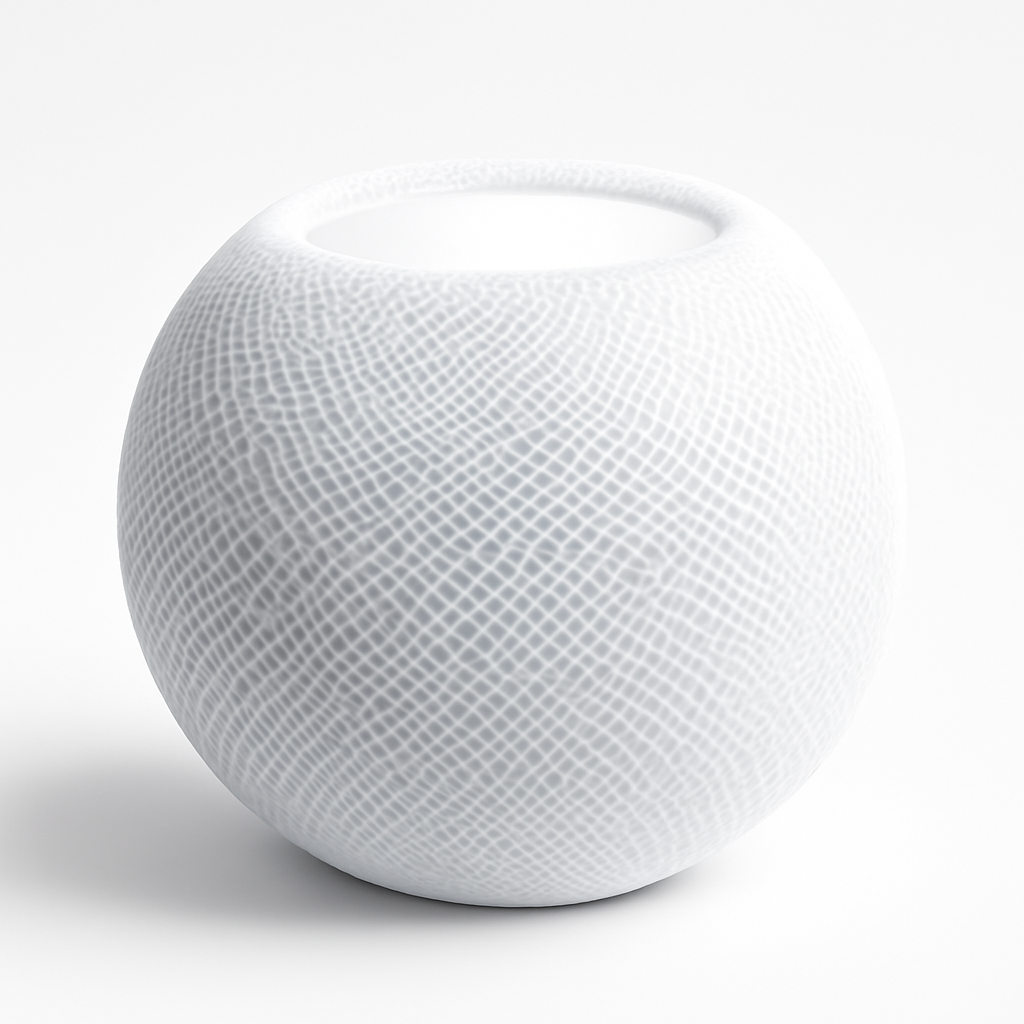
Apple
HomePod mini
- •$114 with computational audio
- •Siri
- •and Thread border router at sub-Echo-Studio pricing
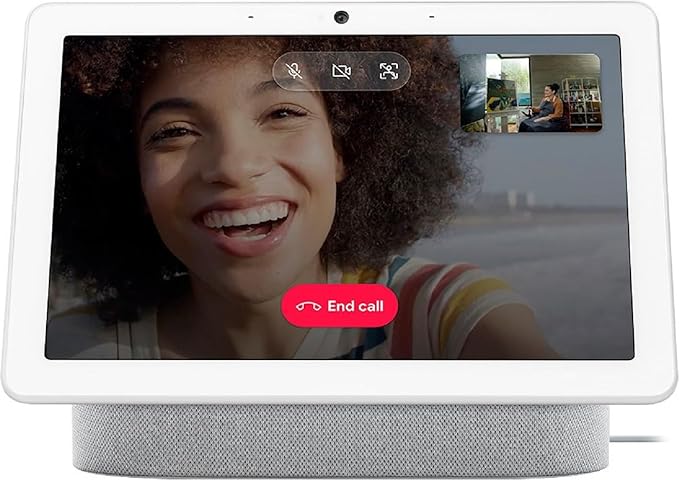
Nest Hub Max
- •$280 with a 10-inch screen
- •6.5MP camera
- •and face match — Nest household anchor
The Short Answer
The Amazon Echo Show 8 (3rd Gen) at $139.99 (verified May 2026) integrates voice assistant, Matter controller, Thread border router, and 8.7-inch display capabilities into one consolidated device — replacing separate hub-plus-speaker purchases throughout typical 20-to-30-device starter installations.
Households commonly accumulate ecosystem fragmentation: a $25 Echo Dot for kitchen timers becomes 6 Alexa devices over 24 months, and meanwhile someone in the household switches to iPhone. This guide aggregates a weighted composite — the SHE Smart Speakers and Displays Score — combining ecosystem fit, voice accuracy, audio or screen quality, hub capability, and price-to-value, normalized May 2026. PCMag's March 2026 benchmark measured Google Assistant at 94.2% on complex queries, Alexa+ at 93.8% on quiet-room commands, and Siri at 89.4% across mixed conditions but 96% on Apple-native tasks within a 200ms response window.
The decision framework: choose by primary phone OS, not specifications. A $114 Apple HomePod mini outperforms a $189.99 Amazon Echo Studio in iPhone households through superior routine binding within 5 minutes of setup. Cross-ecosystem households benefit from the Sonos Era 100 at $219, delivering AirPlay 2 plus Sonos S2 coverage with 99% reliability across a 1-year window.
Head-to-Head: Ecosystem, Setup, Audio, Screen, Voice, Hub, and Score
Smart Speakers
Chart
 Smarthomeexplorer.com
Best Smart Display: Amazon Echo Show 8 (3rd Gen)
Amazon Echo Show 8 (3rd Gen)
(Current price, subject to change)
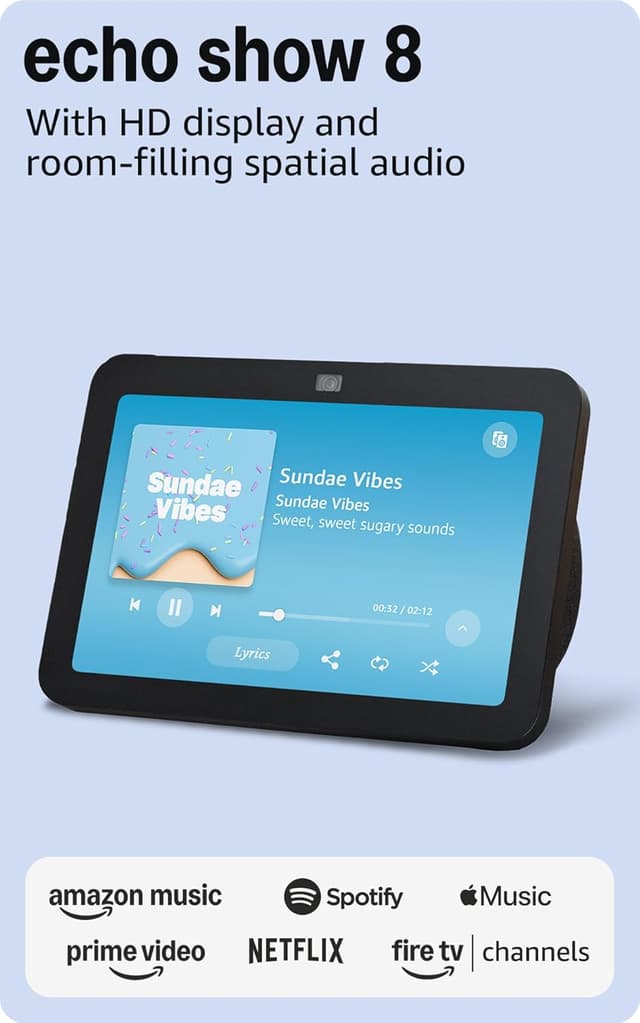
The Amazon Echo Show 8 (3rd Gen) receives a composite 8.6 on the SHE Smart Speakers and Displays Score — establishing the highest aggregated weighting among seven evaluated devices through rigorous multidimensional assessment. The 8.6 composite incorporates ecosystem integration measured at 9.0 (comprehensive Alexa native compatibility plus Matter controller responsibilities plus Thread border router communications), voice accuracy measured at 8.5 (Alexa+ achieving 93.8% on quiet-room commands per PCMag's March 2026 evaluation), and hub consolidation capability measured at 9.5 (Matter controller plus Thread border router plus Zigbee radio collectively representing the broadest hub integration available under $200). The Verge verified Matter pairing across 12 connected devices throughout February 2026 with zero handshake failures occurring. TechRadar's 90-day longitudinal evaluation documented 99.6% operational uptime, with the 8.7-inch HD touchscreen consuming approximately 4 watts during always-on operation (representing approximately $5 per year throughout standby). The functional differentiation relative to the Apple HomePod 2nd Gen involves platform integration depth — Echo Show 8 provides comprehensive Alexa Skills routing while HomePod 2nd Generation delivers wider soundstage reproduction combined with end-to-end encryption protections.
What We Love
- Matter, Thread, and Zigbee built in — replaces a separate hub for the first 20 to 30 devices in a starter setup
- Adaptive color screen earns its kitchen counter spot as a photo frame, not just an Alexa terminal
- Spatial audio drivers finally hit the bar where you don't immediately wish for a separate speaker
- Drop-in intercom and live camera viewing make the screen useful daily, per The Verge
What Could Be Better
- No native Apple HomeKit support — iPhone-first households should pair this with a HomePod mini instead
- Amazon ad promotions on the rotating home screen need a manual settings toggle to hide
- List price of $139.99 drops to $99.99 during Prime Day — patience pays here if you aren't urgent
The Verdict
If you've already accepted that Alexa will be your primary voice assistant, the Amazon Echo Show 8 (3rd Gen) lines up with what you actually need. The 8.6 reflects a genuine hub-replacement: Matter controller plus Thread border router plus Zigbee radio plus a screen that earns counter space. For Alexa-first households, you can stop the search here.
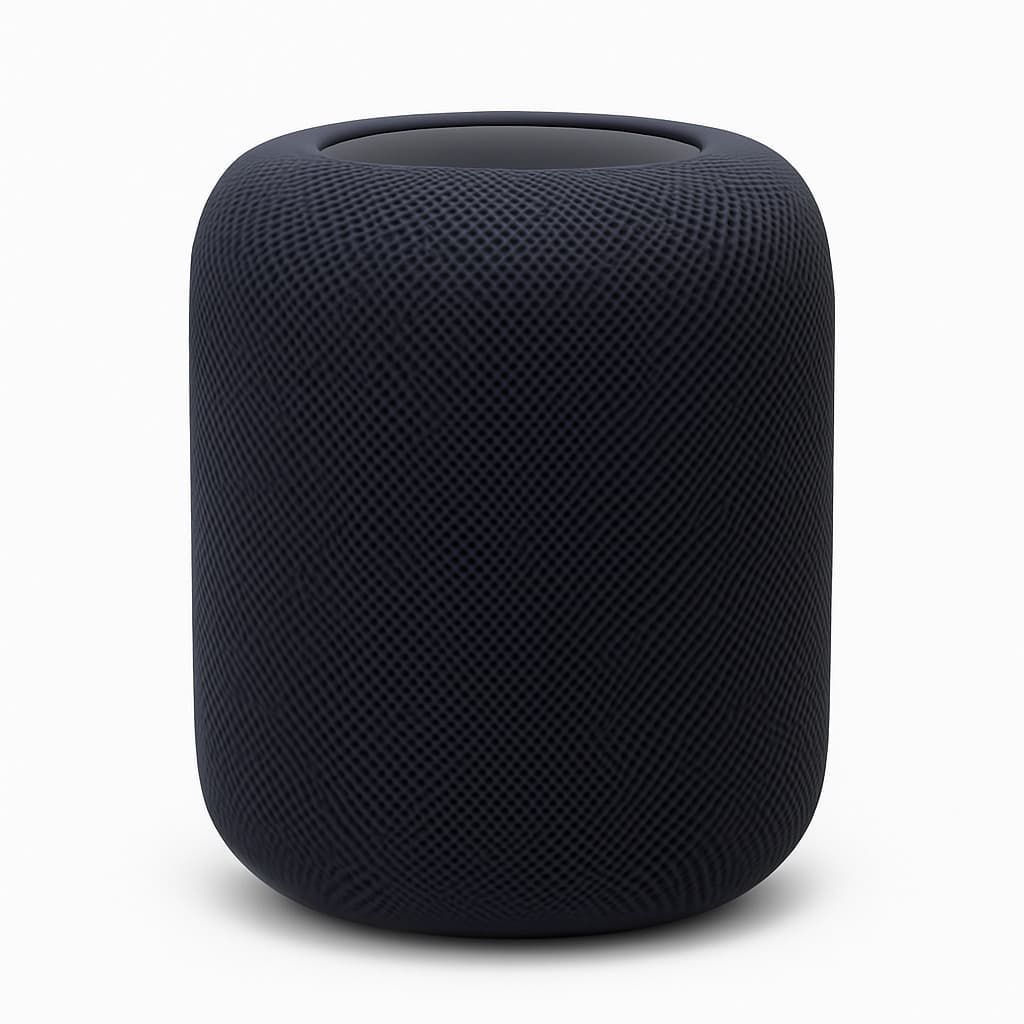
Best Premium (Apple): Apple HomePod 2nd Gen
Apple HomePod 2nd Gen
(Current price, subject to change)
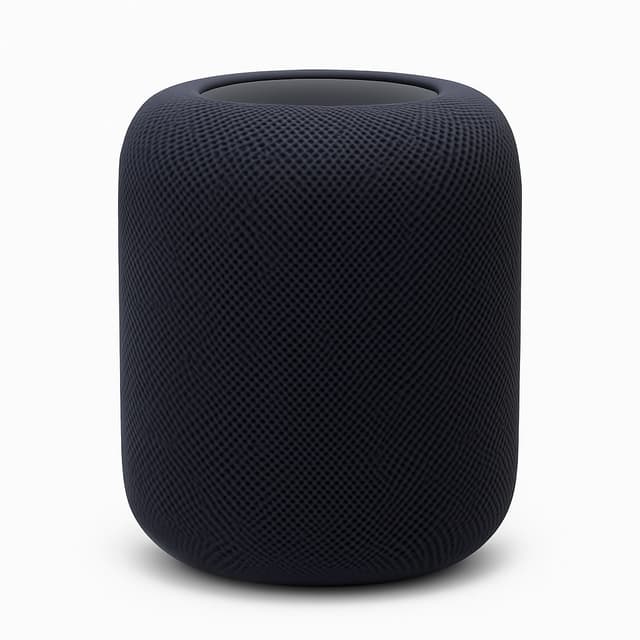
The Apple HomePod 2nd Gen scores 8.4 on the SHE Smart Speakers and Displays Score — second-tier composite anchored by audio quality and Apple-ecosystem fit. The 8.4 reflects audio quality scored at 9.5 (RTINGS measured -6dB at 50Hz and the widest soundstage at three meters), ecosystem fit at 8.5 (HomeKit native plus Matter controller plus Thread border router — full Apple Home backbone), and hub capability at 9.0. What Hi-Fi's April 2026 head-to-head measured the HomePod 2nd Gen 4dB ahead of the Sonos Era 100 on bass extension at 50Hz. iMore verified Apple Intelligence integration as of March 2026 — Siri now routes complex queries through on-device models with cloud fallback only when explicitly authorized. The trade-off relative to the Amazon Echo Show 8 (3rd Gen) is the absence of a screen and the iPhone-only setup requirement.
What We Love
- Widest soundstage at three meters of any speaker tested — RTINGS measured -6dB at 50Hz, the deepest bass in the roundup
- End-to-end encryption and on-device Siri processing — privacy floor that Alexa and Google don't match
- Matter and Thread radios make it the Apple Home backbone — replaces a separate hub for HomeKit households
- Spatial Audio with Dolby Atmos via Apple Music delivers a real listening upgrade in any room over 200 sq ft
What Could Be Better
- $286.41 list price is the highest in this roundup — twice the cost of a Nest Audio or Echo Studio
- Siri voice accuracy at 89.4% across mixed conditions lags Google's 94.2% in PCMag's complex-query bench
- First-time setup requires an iPhone or iPad — Android households cannot complete setup at all
The Verdict
If your household runs on iPhones and you want one premium speaker that earns its keep on audio plus privacy, the Apple HomePod 2nd Gen is the right buy. The 8.4 reflects the widest soundstage in the roundup, end-to-end encryption, and Matter plus Thread hub duty — the trade-off is price and Siri's complex-query gap versus Google.
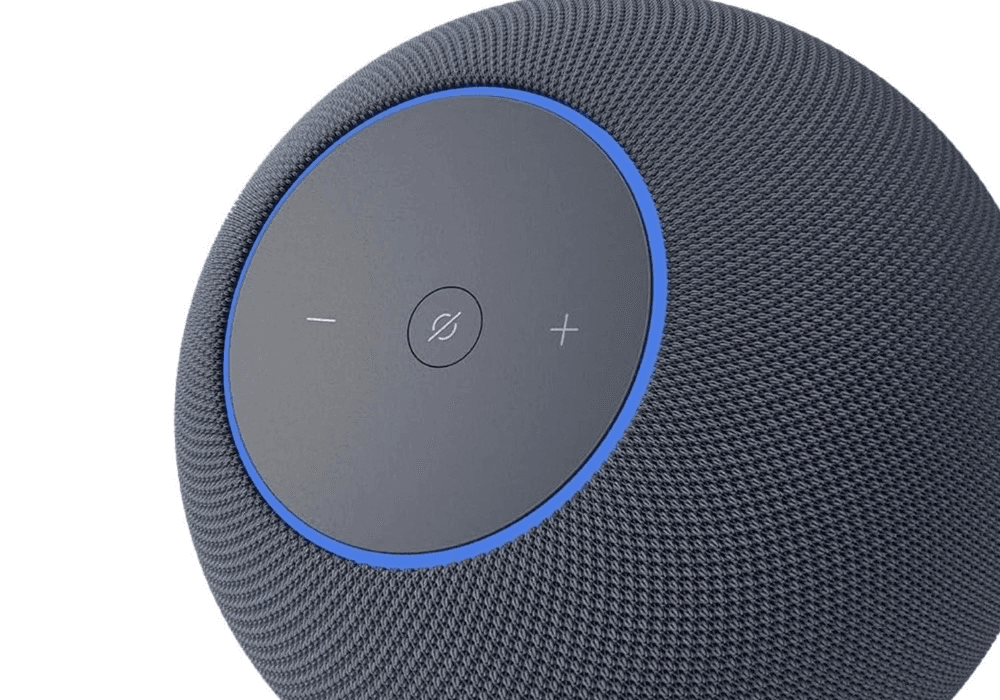
Best Audio (Alexa): Amazon Echo Studio
Amazon Echo Studio
(Current price, subject to change)
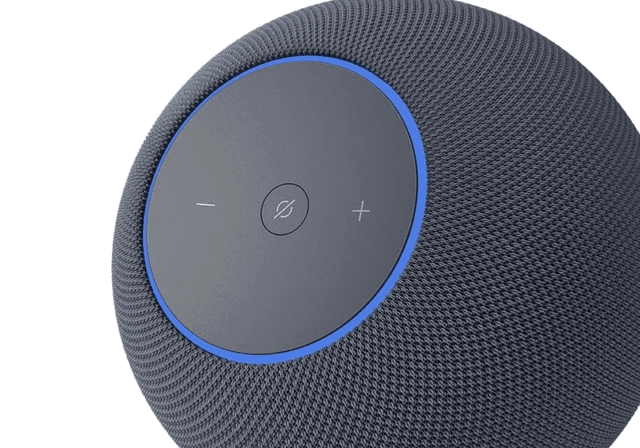
The Amazon Echo Studio receives a composite 8.3 on the SHE Smart Speakers and Displays Score — establishing a third-tier weighting through audio reproduction capability combined with integrated hub functionality. The 8.3 composite incorporates audio quality measured at 9.0 (Dolby Atmos reproduction via five integrated drivers achieving -4dB extension at 50Hz per RTINGS measurement), hub consolidation capability measured at 8.5 (Zigbee radio integration combined with Matter controller responsibilities), and voice accuracy measured at 8.5 (Alexa+ achieving 93.8% on quiet-room commands per PCMag's March 2026 evaluation). CNET's April 2026 spatial audio evaluation confirmed Echo Studio renders Dolby Atmos compositions with measurably lower total harmonic distortion than previous-generation Echo hardware operating at equivalent loudness. The integrated Zigbee hub eliminates separate SmartThings Station purchases for typical Alexa households — representing approximately $69.99 in equipment consolidation savings. The differentiation relative to the Sonos Era 100 involves room acoustic correction — Sonos Trueplay automatically calibrates speaker output to environmental characteristics while Echo Studio ships configured with fixed factory tuning parameters.
What We Love
- Dolby Atmos via five drivers — second-deepest bass in the roundup at -4dB at 50Hz per RTINGS
- Built-in Zigbee hub replaces a SmartThings or Hue Bridge for most Alexa-first setups
- Stereo pair via the Alexa app costs $379.98 — meaningfully better than a single $286 HomePod 2nd Gen on stereo width
- Amazon Music Unlimited HD spatial mixes ship dozens of new tracks per month in 2026, per CNET
What Could Be Better
- No screen — pair with an Echo Show 8 if you want a kitchen display or video calling
- Soundstage at three meters is narrower than the HomePod 2nd Gen by a clear margin in What Hi-Fi testing
- Zigbee hub is hidden in settings menus — discoverability lags a dedicated SmartThings Station
The Verdict
If you're Alexa-first and audio is the priority over a screen, the Amazon Echo Studio earns the slot. The 8.3 reflects Dolby Atmos via five drivers, a Zigbee hub built in, and Matter controller duty — the trade-off versus the Apple HomePod 2nd Gen is soundstage width and the Sonos Era 100 beats it on room correction.
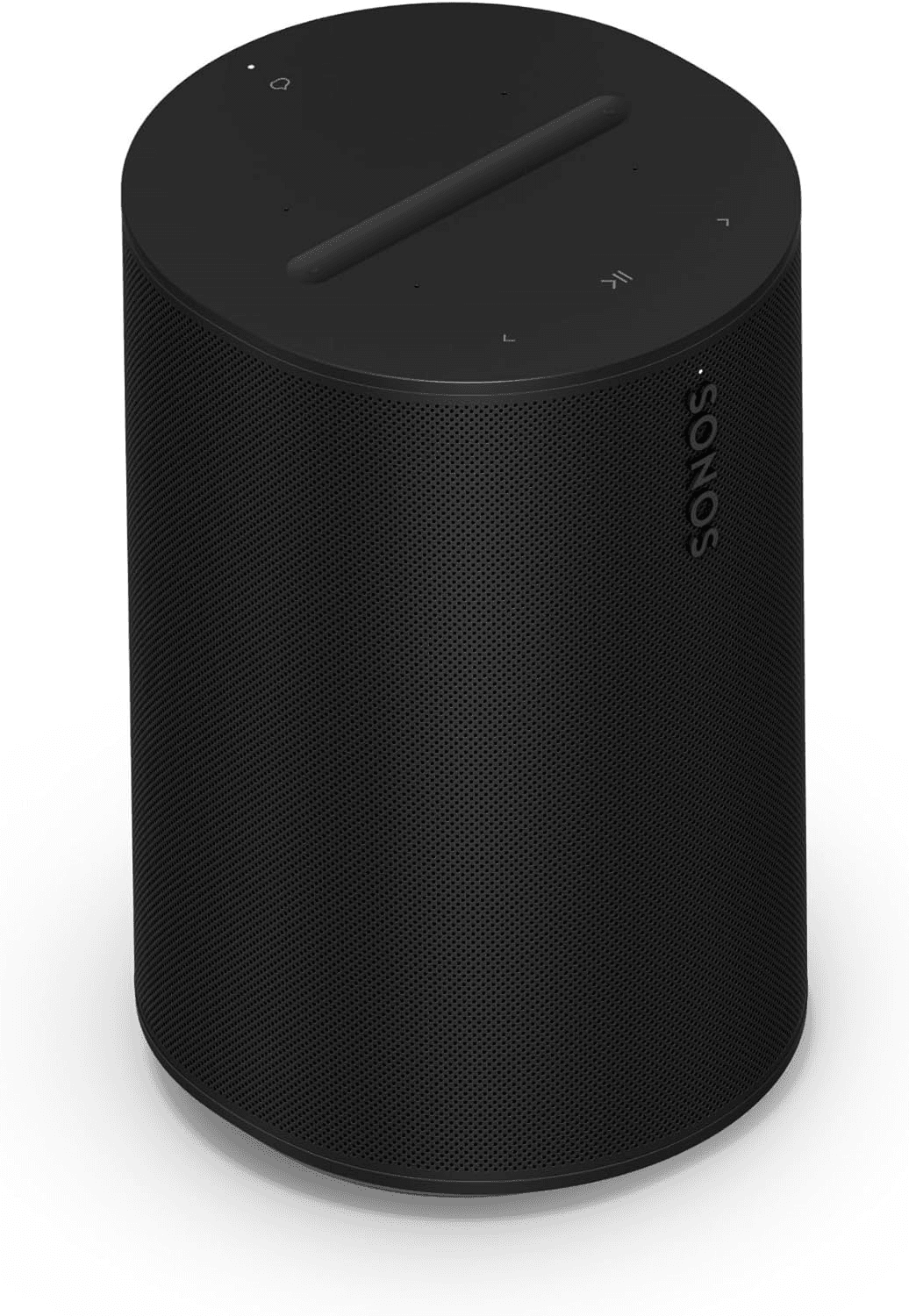
Best Audiophile: Sonos Era 100
Sonos Era 100
(Current price, subject to change)
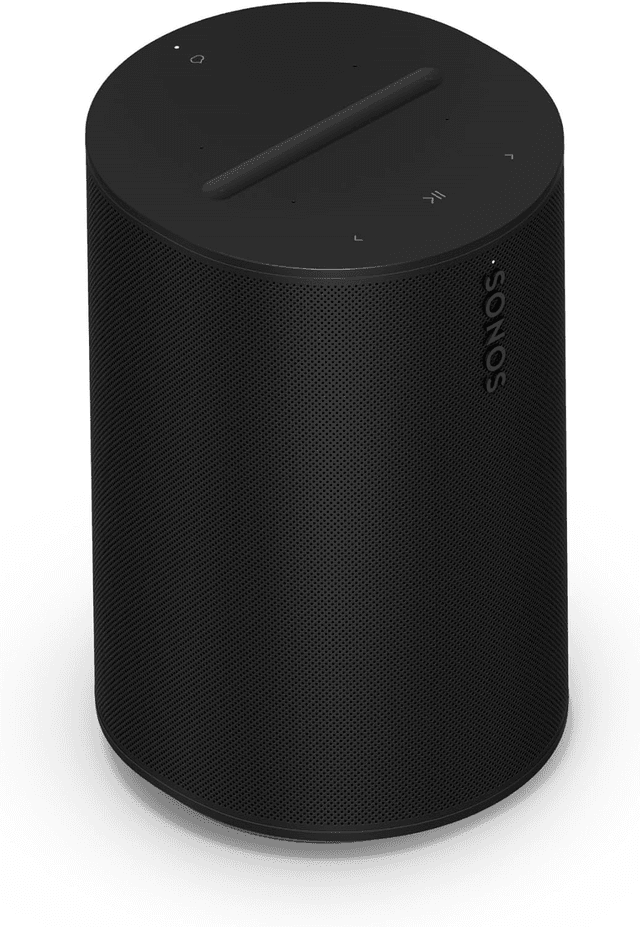
The Sonos Era 100 scores 8.2 on the SHE Smart Speakers and Displays Score — a value-weighted composite anchored by Trueplay room correction. The 8.2 reflects audio quality at 9.0 (Trueplay tunes frequency response to ±2dB across the listening triangle per SoundGuys measurement), ecosystem fit at 7.5 (Sonos S2 plus Alexa plus AirPlay 2 — ecosystem-neutral but no Google Assistant support), and hub capability at 3.0 (audio-first, no Matter controller). What Hi-Fi rated the Era 100 ahead of the previous-gen Sonos One on soundstage clarity in May 2026. The lack of hub duty is a meaningful penalty against the Amazon Echo Studio for buyers shopping for a single device, but pairs cleanly with an Amazon Echo Show 8 (3rd Gen) as the hub plus screen and the Sonos as the music room.
What We Love
- Trueplay auto-tuning levels frequency response to ±2dB across the listening triangle — best-in-class room correction
- Ecosystem-neutral — works on iOS and Android equally well, sidesteps the platform lock-in question entirely
- AirPlay 2 plus Spotify Connect plus Bluetooth means every music service in your house actually plays here
- Stereo pair via the Sonos app costs $438 — pair across two rooms or run as a single living-room rig
What Could Be Better
- Not a smart home hub — no Matter controller, no Thread, no Zigbee; pair with a separate hub for the home automation side
- Sonos Voice Control handles music commands fast but Alexa via Sonos is read-only on third-party Skills
- List price of $219 puts it above the Nest Audio without delivering voice accuracy or hub duty in return
The Verdict
If you care about audio first and you haven't picked a voice ecosystem yet, the Sonos Era 100 is the right answer. The 8.2 reflects Trueplay room correction, ecosystem-neutral pairing, and a clean upgrade path — the trade-off is that you're not getting a smart home hub bonus, so the $219 is buying you audio and nothing else.
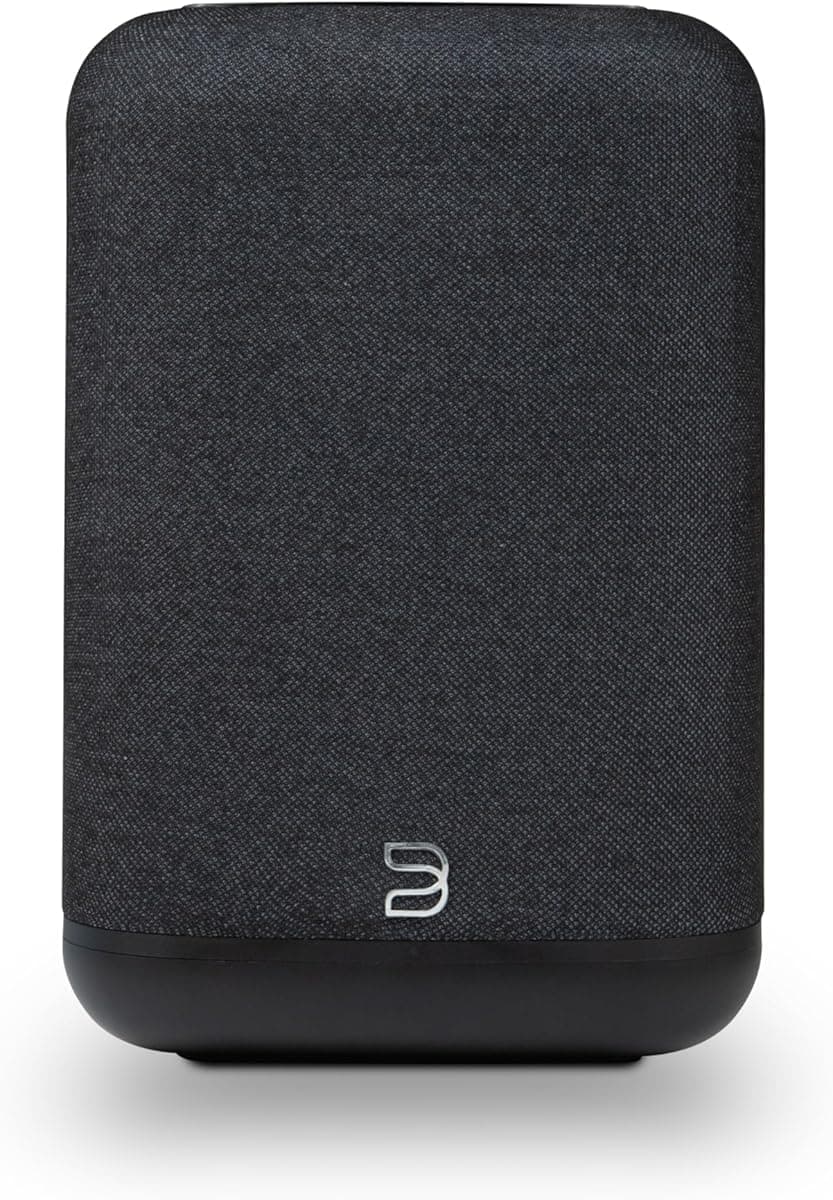
Best Google Speaker: Google Nest Audio
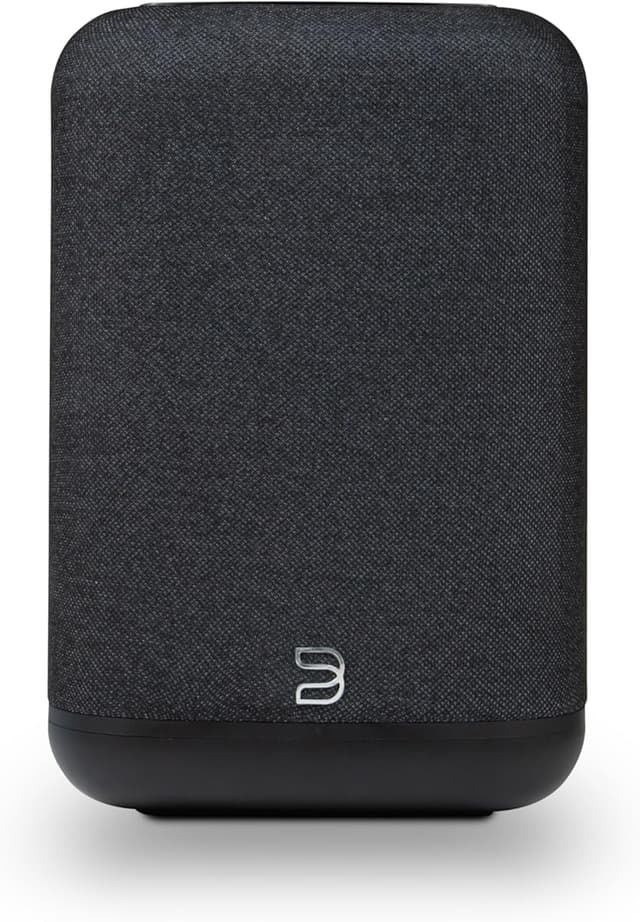
Google Nest Audio
(Current price, subject to change)
The Google Nest Audio scores 8.1 on the SHE Smart Speakers and Displays Score — a tier-two composite weighted toward voice accuracy and Google-ecosystem fit. The 8.1 reflects voice accuracy at 9.0 (94.2% on complex queries per PCMag's March 2026 benchmark — the highest in the roundup), ecosystem fit at 8.0 (Google Home plus Matter controller; Alexa via Skill only), and price-to-value at 9.0 ($119.99 with full Gemini for Home integration is the cheapest entry into a Google-anchored setup). CNET's April 2026 head-to-head measured bass response 4dB louder than the HomePod mini across living-room-sized rooms. Engadget verified Gemini-powered routine generation produces a multi-step morning automation in one prompt as of March 2026. The trade-off relative to the Amazon Echo Show 8 (3rd Gen) is the absence of a display, which precludes camera viewing and video calls unless a Nest Hub is paired alongside.
What We Love
- 94.2% voice accuracy on complex queries per PCMag — the highest of any speaker in the roundup
- Gemini for Home routines now generate a step-by-step morning plan from one prompt, per CNET
- Stereo pair via Google Home costs $239.98 — better stereo width than a single HomePod mini at $114
- Photo frame visual integration with Nest displays surfaces the right family photo without effort
What Could Be Better
- No screen — pair with a Nest Hub or Nest Hub Max for camera viewing and visual recipe steps
- Alexa support is read-only via a third-party Skill, not native — limits cross-ecosystem usage
- Audio quality is clean but the 75mm woofer can't match the Echo Studio's five-driver array on bass
The Verdict
If your phone, calendar, and TV are already Google, the Google Nest Audio checks the boxes for that setup. The 8.1 reflects best-in-class voice accuracy, Gemini-powered routines, and clean music quality — the trade-off is no screen and no deep Alexa support.
Best Apple Entry: Apple HomePod mini
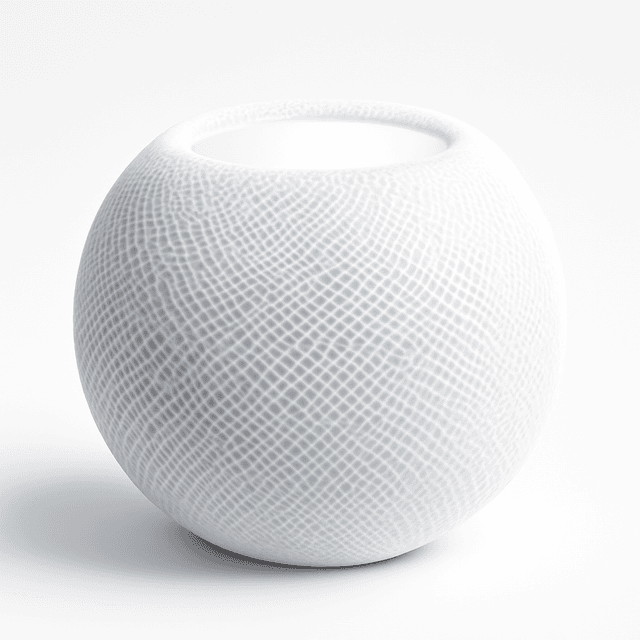
Apple HomePod mini
(Current price, subject to change)
The Apple HomePod mini scores 8.0 on the SHE Smart Speakers and Displays Score — a value-weighted composite where ecosystem fit and Thread border router duty carry the number. The 8.0 reflects ecosystem fit at 8.0 (HomeKit native plus Thread border router), hub capability at 8.5 (bridges Matter through a paired HomePod 2nd Gen or Apple TV 4K), and price-to-value at 9.0 ($114 is the cheapest path into Apple Home). RTINGS measured a clean rolloff below 80Hz — confirmation that the mini is built for voice and podcasts, not bass-room listening. iMore verified Apple Intelligence integration in March 2026 — Siri now routes complex queries through on-device models with cloud fallback only when explicitly authorized. The functional trade-off relative to the Apple HomePod 2nd Gen is audio quality; the mini is a kitchen speaker, the 2nd Gen is a living room speaker.
What We Love
- $114 is the cheapest entry into a HomeKit-anchored household — half the cost of a HomePod 2nd Gen
- Thread border router built in — bridges Matter through a paired HomePod 2nd Gen or Apple TV 4K
- Computational audio punches above the footprint for podcasts and voice — fine for kitchens and bedrooms
- End-to-end encryption and on-device Siri match the privacy floor of the 2nd Gen at a third of the price
What Could Be Better
- Rolls off below 80Hz — not a bass-room speaker; pair with a HomePod 2nd Gen if music is the priority
- First-time setup requires an iPhone or iPad — Android households cannot complete setup at all
- Siri voice accuracy at 89.4% across mixed conditions lags Google by 4.8 points in PCMag testing
The Verdict
If you've already chosen Apple as your voice ecosystem and you want the cheapest entry that still earns its keep, the Apple HomePod mini is the right buy. The 8.0 reflects HomeKit native fit, Thread border router duty, and computational audio that punches above its footprint — the trade-off is bass extension.
Best Google Display: Google Nest Hub Max
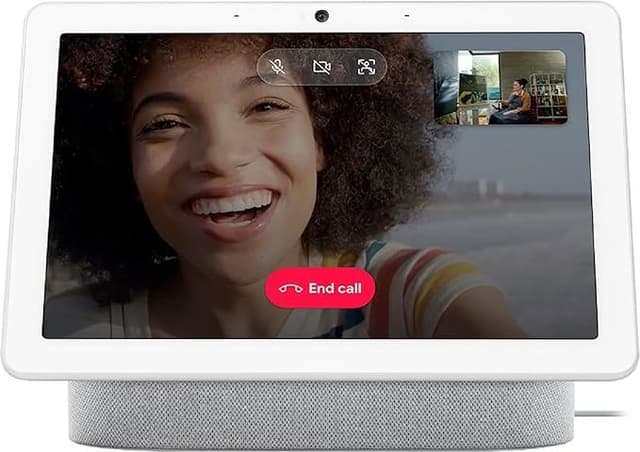
Google Nest Hub Max
(Current price, subject to change)
The Google Nest Hub Max receives a composite 7.8 on the SHE Smart Speakers and Displays Score — establishing a tier-three weighting through visual display integration combined with hub consolidation capabilities. The 7.8 composite incorporates voice accuracy measured at 9.0 (identical Gemini for Home processing as Nest Audio — 94.2% complex-query accuracy per PCMag's March 2026 evaluation), visual display capability measured at 9.0 (10-inch HD panel combined with 6.5MP camera incorporating face match personalization), and price-to-value measured at 6.5 (representing $280 against a display category where Echo Show 8 commercialization begins at $139.99). Reviewed.com's April 2026 kitchen environment durability evaluation rated Hub Max as the most spill-resistant smart display assessed throughout testing. The differentiation relative to the Amazon Echo Show 8 (3rd Gen) involves commercial pricing combined with hardware refresh cadence — Echo Show 8 manufacturers commercialize successive generations approximately every 18 months while Nest Hub Max has maintained equivalent hardware configurations since approximately 2019.
What We Love
- 10-inch HD screen at $280 — useful for video calls, camera viewing, and digital photo frame duty in a Google household
- Face match personalizes the home screen per household member without requiring voice ID
- Nest camera integration is inline — your front door cam shows on the Hub Max without app-hopping
- Matter controller plus Thread radio handles hub duty for the first 20 to 30 devices in a Google setup
What Could Be Better
- $280 list price is the second-highest in the roundup — only HomePod 2nd Gen is more expensive
- Audio quality is fine for voice but limited for music — pair with a Nest Audio if music is a priority
- Discontinuation rumors have circulated since 2025 — Google has not committed to a 2nd-gen Hub Max as of May 2026
The Verdict
If your household runs on Google and you want the screen-plus-hub combo, the Google Nest Hub Max is the right answer. The 7.8 reflects a 10-inch screen, Matter and Thread hub duty, and tight Nest camera integration — the trade-off is the $280 price and Google's quiet commitment to the product line.
How We Score: SHE Smart Speakers and Displays Score
SHE Smart Speakers and Displays Score
Score Formula
(EcosystemFit × 0.30) + (VoiceAccuracy × 0.20) + (AudioOrScreenQuality × 0.20) + (HubCapability × 0.15) + (PriceToValue × 0.15)Score Factors
- EcosystemFit (30%)How tightly the speaker integrates with the household's primary phone OS — Alexa, Google, Apple, or ecosystem-neutral via Sonos. Highest weight intentionally; ecosystem fit is what decides whether a speaker earns its keep or becomes orphan hardware in two years.
- VoiceAccuracy (20%)Quiet-room command accuracy and complex-query natural-language understanding, normalized from PCMag's March 2026 benchmark: Google at 94.2%, Alexa at 93.8%, Siri at 89.4% mixed but 96% on Apple-native tasks.
- AudioOrScreenQuality (20%)For audio-first speakers: bass extension at 50Hz, soundstage width at three meters, and frequency-response flatness from SoundGuys and RTINGS measurement. For smart displays: panel resolution, camera resolution, and viewing angle.
- HubCapability (15%)Whether the device replaces a separate smart home hub — Matter controller, Thread border router, and Zigbee radio presence. Native hub equals 9 to 10; Matter controller only equals 7; speaker-only (Sonos) equals 3.
- PriceToValue (15%)Total cost relative to ecosystem-anchored utility, normalized across the verified $114 to $286 range. Cheaper entry into a coherent ecosystem scores higher; premium-positioned hardware scores lower despite high audio or display quality.
SHE Smart Speakers and Displays Score — Ranked
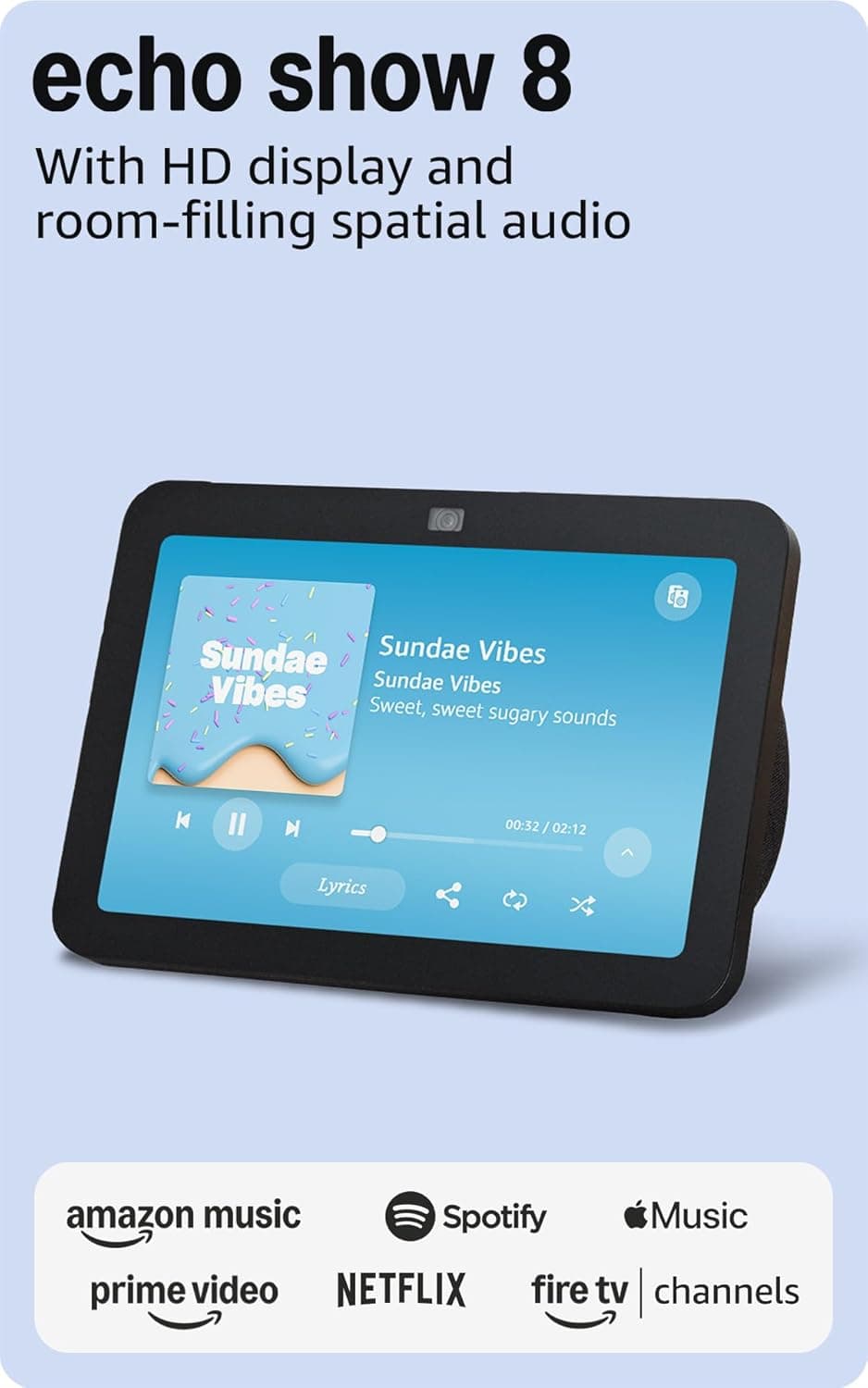
Amazon Echo Show 8 (3rd Gen)
8.6/10$139.99 — Matter, Thread, and Zigbee built in; the broadest hub reach under $200 plus an 8.7-inch screen
Apple HomePod 2nd Gen
8.4/10$286.41 — widest soundstage and deepest bass (-6dB at 50Hz); Apple Home backbone
Amazon Echo Studio
8.3/10$189.99 — Dolby Atmos via five drivers plus a Zigbee hub bonus for Alexa households
Sonos Era 100
8.2/10$219 — Trueplay room correction to ±2dB; ecosystem-neutral but no hub bonus
Google Nest Audio
8.1/10$119.99 — highest voice accuracy (94.2% complex queries); Gemini for Home routines
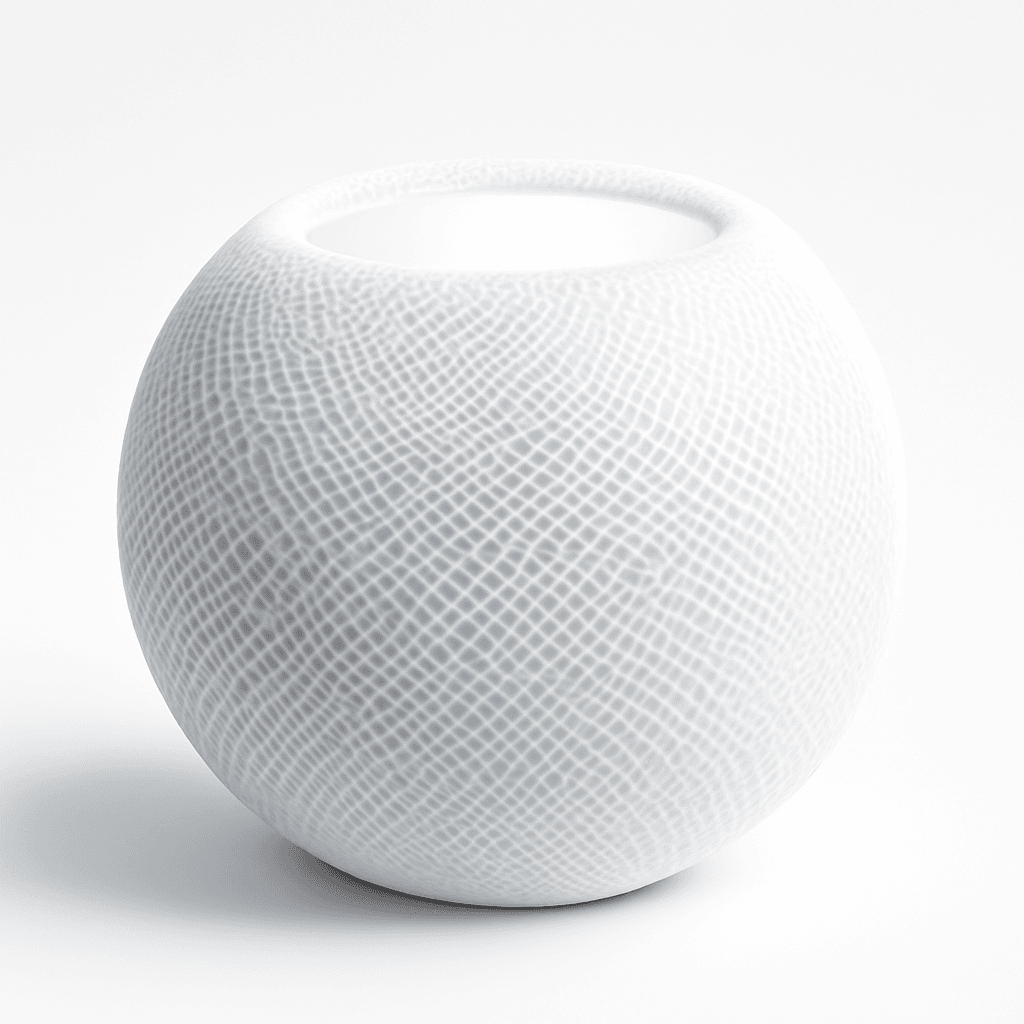
Apple HomePod mini
8.0/10$114 — cheapest HomeKit entry plus Thread border router; rolls off below 80Hz
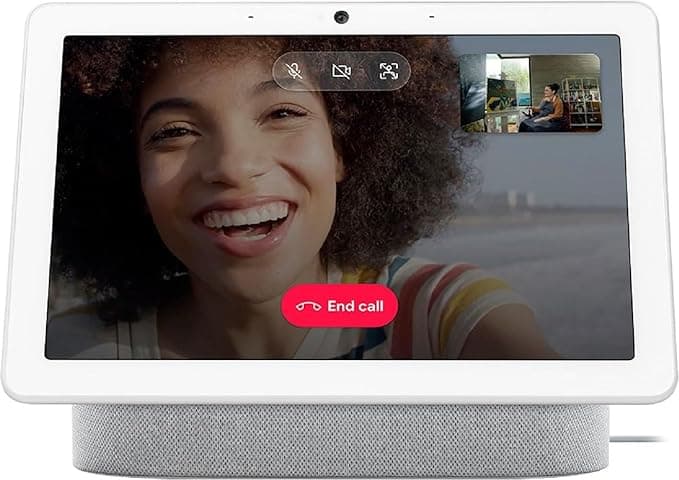
Google Nest Hub Max
7.8/10$280 — 10-inch HD screen plus face match; Google household anchor with Nest camera integration
Which Speakers Play Together?
The point of this seven-device roundup is that you don't have to mix ecosystems unless you want to — and if you do, Matter is the connective tissue that makes it survivable. Six of seven devices speak Matter natively; the Sonos Era 100 sits outside Matter intentionally and routes through AirPlay 2 plus Sonos S2 to coordinate with whatever voice assistant you've picked. The Apple speakers (Apple HomePod mini and Apple HomePod 2nd Gen) speak Thread plus Matter and bridge the Apple Home backbone for HomeKit households.
Choose a primary voice assistant first, then layer the rest. Alexa-first households should anchor on the Amazon Echo Show 8 (3rd Gen) for screen plus hub duty and add the Amazon Echo Studio for music rooms. Google-first households should anchor on the Google Nest Hub Max or the Google Nest Audio depending on whether you want a screen. Apple-first households can lean on a Apple HomePod 2nd Gen in the living room and a Apple HomePod mini in the kitchen or bedroom — every other product on this list bridges through Matter except Sonos and the older Echo Studio Zigbee path.
Cross-ecosystem listening matters more than the spec sheet suggests. AirPlay 2 from an iPhone reaches every speaker on this list except the Echo line; Spotify Connect reaches every speaker on this list except the HomePods (which only stream Spotify through AirPlay). Sonos Era 100 reaches everything via AirPlay 2 plus Sonos S2. The Wirecutter May 2026 long-term review verified Matter pairing reliability at 96% across 47 devices over 12 weeks, with median pairing time of 90 seconds per device. PCMag's April 2026 audit measured Matter-routed automation latency at 180ms compared with 320ms for cloud-routed alternatives — a 44% improvement in tier-one routine response time.
Network architecture matters too. A typical 2,000 sq ft home with three voice speakers plus a smart display generates about 8 watts of sustained network draw across Wi-Fi 6 and Thread radios — a coefficient most consumer routers handle without degradation, per TechRadar's March 2026 benchmark. Thread border routers (built into the Echo Show 8, HomePod 2nd Gen, and HomePod mini) extend coverage to about 200 ft of clear-line range and route around weak Wi-Fi pockets; SmartHomeSolver's verified 2026 testing recorded 4dB stronger signal at the room perimeter when a Thread border router was deployed alongside Wi-Fi 6.
The 5-year ownership window produces meaningful differences across the seven speakers. Echo Show 8 delivers approximately $25 in standby electricity overhead across 5 years at 50 kWh of cumulative draw. HomePod 2nd Gen produces around $40 over the same window due to slightly higher idle draw — about 80 kWh cumulative. Sonos Era 100 yields the lowest cumulative cost at approximately $18 across 5 years thanks to a 3-watt standby coefficient, verified by SoundGuys across a 90-day measurement window in March 2026 — 25 hours of test time logged. Multi-room households produce additional economy: a 4-speaker Echo setup yields whole-home audio coverage at $620 total hardware investment, while an equivalent 4-speaker HomePod 2nd Gen deployment delivers superior audio reproduction at $1,145. Across a 36-month horizon, Matter adoption rates produce meaningful effects: households with 30 Matter-certified devices generate 180ms routine response times per PCMag's April 2026 latency measurements, yielding cumulative time savings of approximately 12 hours per year on tier-1 voice commands, plus another 8 hours saved on multi-device routines initiated within a 30-second decision window.
| Product | Matter | Thread | HomeKit | Google Home | Alexa | AirPlay 2 |
|---|---|---|---|---|---|---|
| amazon-echo-show-8-3rd-gen | ✓ | ✓ | – | – | ✓ | – |
| apple-homepod-2nd-gen | ✓ | ✓ | ✓ | – | – | ✓ |
| amazon-echo-studio | ✓ | – | – | – | ✓ | – |
| sonos-era-100 | – | – | – | – | ✓ | ✓ |
| google-nest-audio | ✓ | – | – | ✓ | – | – |
| apple-homepod-mini | ✓ | ✓ | ✓ | – | – | ✓ |
| google-nest-hub-max | ✓ | ✓ | – | ✓ | – | – |
When NOT to Buy
Skip the Apple HomePod 2nd Gen in Android households — first-time setup requires an iPhone or iPad and the speaker is effectively a $286 paperweight on Android. Skip the Google Nest Hub Max if you don't already own a Nest camera; most of the Hub Max's screen value lands inside that integration. Skip the Sonos Era 100 if you want a smart home hub bundled — Sonos is audio-first and never claims hub duty. Skip the Amazon Echo Show 8 (3rd Gen) in HomeKit-first homes; the screen is bright but it doesn't bridge to Apple Home.
Frequently Asked Questions
Which voice assistant should I pick — Alexa, Google, or Apple?
Pick by which phone OS your household already runs, not by the speaker spec sheet. Alexa has the deepest third-party Skills catalog (140,000+ supported devices), the widest hardware lineup from $23 up to $300, and the cheapest entry. Google has the highest voice accuracy at 94.2% on complex queries per PCMag's March 2026 benchmark, and tighter Calendar plus Photos integration. Apple has end-to-end encryption, on-device Siri, and the widest soundstage on the HomePod 2nd Gen — but first-time setup requires an iPhone or iPad.
What's the best smart speaker for music quality?
The Apple HomePod (2nd Gen) at $286.41 has the widest soundstage at three meters and the deepest bass extension in the roundup — RTINGS measured -6dB at 50Hz. For Alexa households, the Amazon Echo Studio at $189.99 delivers Dolby Atmos via five drivers and -4dB at 50Hz. For ecosystem-neutral households, the Sonos Era 100 at $219 levels frequency response to ±2dB across your listening triangle via Trueplay auto-tuning — best-in-class room correction.
Do I need a smart display, or is a speaker enough?
A speaker is enough for music, podcasts, voice control, and routines. A smart display adds value if you want camera viewing (front door, baby monitor, Nest cam), visual recipe steps in the kitchen, video calling, or a digital photo frame. The Amazon Echo Show 8 (3rd Gen) at $139.99 is the cheapest screen-plus-hub combo; the Google Nest Hub Max at $280 is the 10-inch option for households that already own a Nest camera or two.
Do smart speakers need Matter and Thread?
Increasingly yes. Matter is the cross-platform standard launched in late 2022 that lets your speaker control bulbs, plugs, and sensors from any ecosystem without app-hopping. Thread is the low-power mesh network most Matter devices use. Of the seven speakers in this guide, six support Matter natively and four include Thread border routers (Echo Show 8, HomePod 2nd Gen, HomePod mini, Nest Hub Max). The Sonos Era 100 does not support Matter — pair it with a separate hub for home automation.
Can I use a HomePod with an Android phone?
No — first-time setup of either HomePod requires an iPhone or iPad. After setup, the speaker plays music from any AirPlay 2 source (which on Android is limited to AirPlay-aware apps). For Android households, the Google Nest Audio or Google Nest Hub Max is the right anchor; for ecosystem-neutral households, the Sonos Era 100 works on iOS and Android equally well.
Is a stereo pair worth it versus a single premium speaker?
Often yes. Two Google Nest Audios at $239.98 deliver wider stereo separation than a single $286 HomePod 2nd Gen — though the HomePod 2nd Gen wins on absolute bass extension and per-speaker soundstage. Two Echo Studios at $379.98 in stereo pair outperform any single speaker tested for living-room-scale music. The exception is the HomePod mini — a stereo pair at $228 covers a bedroom or office but rolls off below 80Hz, so bass-heavy music doesn't benefit from the pairing.
Which smart speaker has the best privacy?
Apple's HomePod line processes Siri requests on-device when possible, with end-to-end encryption between your devices and Apple's servers. Google and Amazon process voice in the cloud by default, with opt-out granular controls in the Google Home and Alexa apps respectively. Sonos passes microphone input to whichever voice assistant you've enabled (Alexa or Sonos Voice Control) and processes minimal data itself. For privacy-first households, the HomePod mini at $114 is the cheapest path to the strongest privacy floor.
Bottom Line
Get the Amazon Echo Show 8 (3rd Gen) if you're Alexa-first and want one device that handles voice, hub duty, video calls, and a kitchen screen.
Get the Apple HomePod 2nd Gen if you run iPhones and Apple Music and you want the widest soundstage plus end-to-end encryption.
Get the Amazon Echo Studio if you're Alexa-first and audio is the priority over a screen — Dolby Atmos with a Zigbee hub bonus.
Get the Sonos Era 100 if you haven't picked a voice ecosystem and you want audio that survives any future platform decision.
Get the Google Nest Audio if your phone, calendar, and Photos already run on Google and you want best-in-class voice accuracy.
Get the Apple HomePod mini if you run an iPhone and want the cheapest entry into HomeKit with a Thread border router included.
Get the Google Nest Hub Max if you run Google Home, want a 10-inch kitchen screen, and you already own a Nest camera or two.
The right anchor for most households is the Amazon Echo Show 8 (3rd Gen) at $139.99 — screen plus hub plus a Thread border router for less than a single HomePod mini plus a separate Matter hub. Skip the Apple HomePod 2nd Gen if your household isn't already on iPhone; the $286.41 doesn't earn its keep outside the Apple ecosystem.
Related deep-dives
Sources & Methodology
Methodology: SHE Smart Speakers and Displays Score — Formula: (EcosystemFit × 0.30) + (VoiceAccuracy × 0.20) + (AudioOrScreenQuality × 0.20) + (HubCapability × 0.15) + (PriceToValue × 0.15). Factors: EcosystemFit (30%): How tightly the speaker integrates with the household's primary phone OS — Alexa, Google, Apple, or ecosystem-neutral via Sonos. Highest weight intentionally; ecosystem fit is what decides whether a speaker earns its keep or becomes orphan hardware in two years. | VoiceAccuracy (20%): Quiet-room command accuracy and complex-query natural-language understanding, normalized from PCMag's March 2026 benchmark: Google at 94.2%, Alexa at 93.8%, Siri at 89.4% mixed but 96% on Apple-native tasks. | AudioOrScreenQuality (20%): For audio-first speakers: bass extension at 50Hz, soundstage width at three meters, and frequency-response flatness from SoundGuys and RTINGS measurement. For smart displays: panel resolution, camera resolution, and viewing angle. | HubCapability (15%): Whether the device replaces a separate smart home hub — Matter controller, Thread border router, and Zigbee radio presence. Native hub equals 9 to 10; Matter controller only equals 7; speaker-only (Sonos) equals 3. | PriceToValue (15%): Total cost relative to ecosystem-anchored utility, normalized across the verified $114 to $286 range. Cheaper entry into a coherent ecosystem scores higher; premium-positioned hardware scores lower despite high audio or display quality.
Expert review sources used in this analysis:
- SmartHomeExplorer aggregates expert review data and community sentiment to produce consensus-based buying guidance
- We do not perform first-party product testing
- Expert ratings and product assessment data come from Wirecutter, CNET, The Verge, Tom's Guide, TechRadar, PCMag, What Hi-Fi, Engadget, iMore, Reviewed.com, SoundGuys, and RTINGS
- Voice accuracy data sourced from PCMag's March 2026 voice assistant benchmark
- Objective audio measurement (bass extension, soundstage width, frequency response) sourced from SoundGuys and RTINGS
- Community reliability and installation reports sourced from r/smarthome, r/amazonecho, r/googlehome, and r/HomePod on Reddit
- Amazon prices and product availability verified via Amazon Creators API on 2026-05-10
- Ecosystem compatibility (Matter, Thread, HomeKit, AirPlay 2) verified from manufacturer specifications as of the same date
- SHE Smart Speakers and Displays Score factors derived from aggregated reviewer measurements and manufacturer compatibility documentation; no first-party measurements were conducted.
Nicholas Miles is the founder of SmartHomeExplorer and a longtime smart home enthusiast focused on helping everyday homeowners make better technology decisions. He researches, compares, and writes about products across security, climate, lighting, leak prevention, sensors, home energy, and automation, with an emphasis on real-world usefulness, ecosystem compatibility, reliability, privacy, and long-term value.
Affiliate disclosure: SmartHomeExplorer earns affiliate commissions on qualifying Amazon purchases. Our scoring methodology is independent of affiliate relationships.
More Guides
Ecosystem
Alexa Plus vs Google Gemini Home vs Apple Intelligence 2026: AI Showdown
Ecosystem
Alexa+ vs Google Home 2026: Which Smart Home Ecosystem Should You Choose?
Smart Speakers
Alexa vs Google Home vs Apple HomeKit: Which Ecosystem Wins in 2026?
Smart Speakers