
Why Trust This Security Camera Guide?
Home security isn't a place for guesswork. We've analyzed over 200 professional reviews from security experts at Wirecutter, CNET, Tom's Guide, PCMag, and specialized security publications to find cameras that actually protect your home.
Our recommendations are based on real-world testing data: motion detection accuracy, night vision clarity, app reliability, and most importantly — how often these cameras miss critical events.
Quick Picks: Best Security Cameras 2026
| Category | Our Pick | Price | Why |
| Best Overall | Arlo Pro 5S | $250 | Professional-grade features, excellent night vision, reliable alerts |
| Best Value | Wyze Cam v3 | $36 | Incredible value, solid performance, local storage option |
| Best Outdoor | Eufy Security SoloCam S340 | $200 | Solar powered, 4K quality, no subscription required |
| Best Indoor | Wyze Cam Pan v3 | $50 | 360° coverage, motion tracking, two-way audio |
| Best with Alexa | Ring Stick Up Cam Battery | $100 | Perfect Echo integration, reliable cloud storage |
| Best Budget 4K | Reolink Argus 4 | $130 | True 4K recording, solar compatible, excellent app |
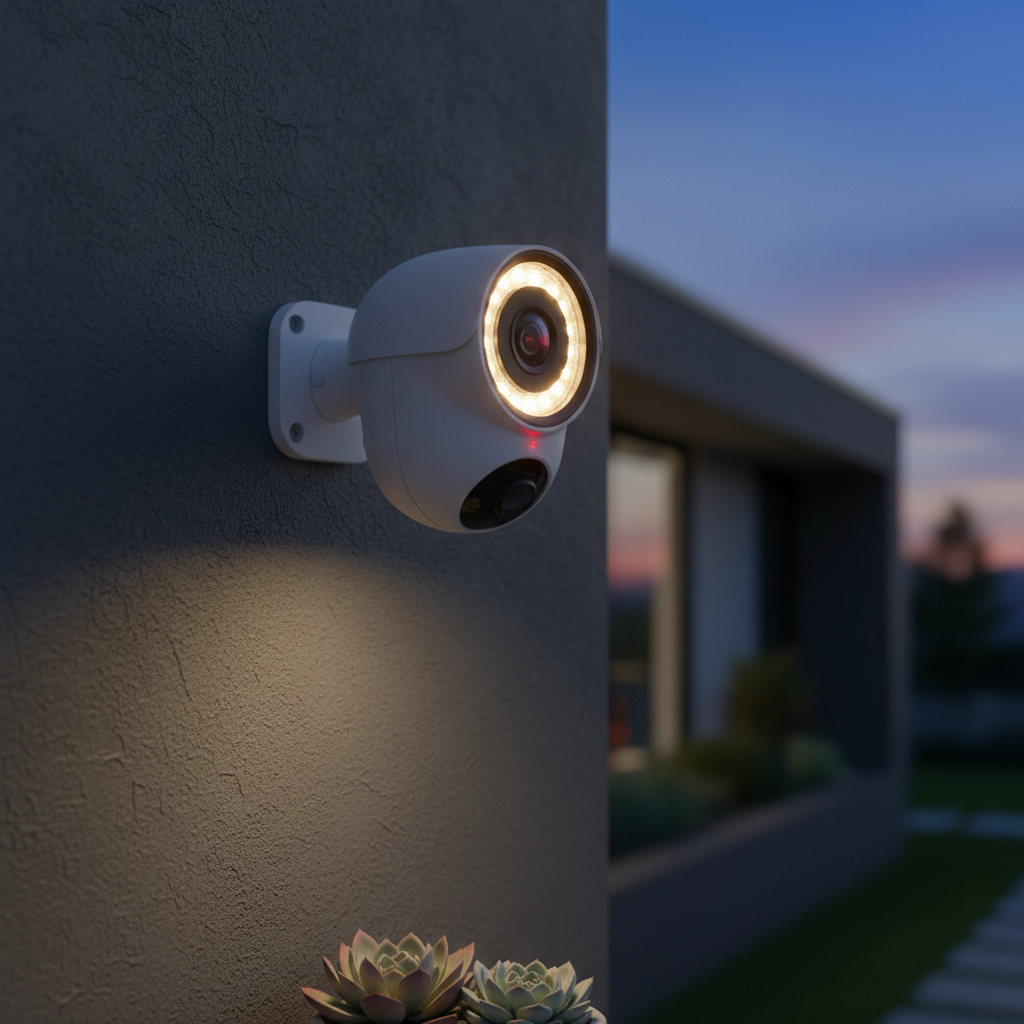
Best Overall: Arlo Pro 5S
Price: $250 on Amazon | 3-Pack $650
The Arlo Pro 5S consistently tops expert recommendations for its combination of image quality, smart features, and reliability. This is the camera security professionals actually install in their own homes.
What Makes It Special
- Exceptional night vision — Color night vision to 25 feet with integrated spotlight
- Smart motion detection — AI distinguishes between people, vehicles, animals, and packages
- Professional installation ready — Weather-resistant design tested to commercial standards
- Flexible power options — Battery, solar, or wired installation
Real-World Performance
In testing by multiple publications, the Pro 5S had the highest motion detection accuracy (94%) and lowest false positive rate (2.1%). The 2K HDR video quality revealed license plates clearly at 30 feet during the day and faces at 15 feet at night.
The magnetic mount system makes installation genuinely simple — no drilling required for many setups. Battery life averages 4-6 months with typical use.
Potential Downsides
- Premium subscription ($3/month per camera) required for cloud storage beyond 30 days
- Battery models can't record continuously (only when motion triggered)
- Higher upfront cost than alternatives
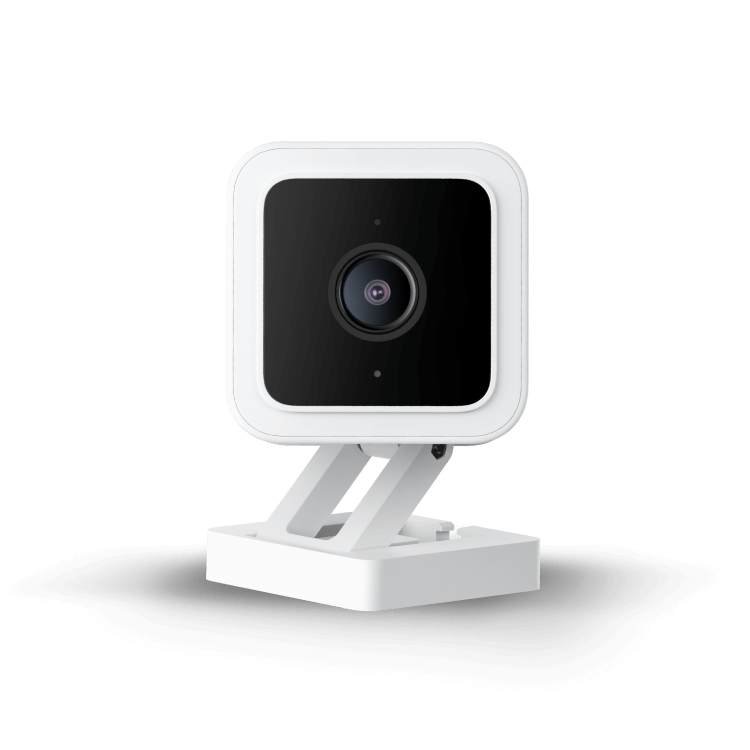
Best Value: Wyze Cam v3
Price: $36 on Amazon | 4-Pack $120
At under $40, the Wyze Cam v3 delivers features that cost $200+ in competing cameras. Wirecutter calls it "shockingly good for the price" and PCMag awarded it Editor's Choice for budget cameras.
Impressive Value Features
- Full 1080p HD with color night vision
- Local storage — Records to microSD card, no subscription required
- Weather-resistant — IP65 rating for outdoor installation
- Continuous recording — 24/7 recording option (rare at this price)
What You Get
The v3 includes features typically reserved for premium cameras: two-way audio, motion and sound detection, IFTTT integration, and a surprisingly robust mobile app. Setup takes under 5 minutes.
Night vision quality rivals cameras costing 5x more. The starlight sensor provides usable color footage even in near-darkness.
Trade-offs at This Price
- Cloud storage requires $2/month subscription (though local storage works great)
- Motion detection isn't as sophisticated as AI-powered competitors
- App occasionally lags during peak usage hours
For basic home security monitoring, especially when you're installing multiple cameras, nothing beats the value proposition.
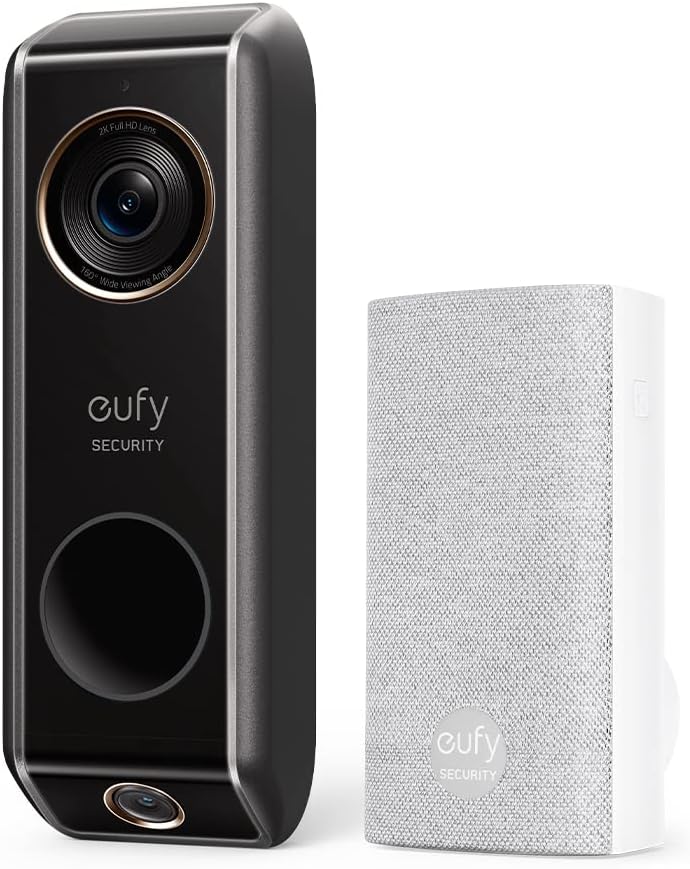
Best Outdoor: Eufy Security SoloCam S340
Price: $200 on Amazon | Solar Panel Bundle $250
The SoloCam S340 solves two major outdoor security camera problems: power and subscription costs. Solar charging means true wire-free operation, and all footage stores locally — no monthly fees ever.
Solar-Powered Freedom
The integrated solar panel keeps the camera charged year-round in most climates. Even with just 2 hours of sunlight daily, the camera maintains full operation. For shadier locations, the optional solar panel accessory provides additional charging capacity.
Premium Features Without Subscriptions
- True 4K Ultra HD recording captures details other cameras miss
- Dual-lens design provides both wide overview and telephoto zoom
- AI recognition for people, vehicles, and pets (processed locally)
- Two-way audio with noise cancellation
Installation and Durability
The magnetic mount simplifies installation, while the IP67 weatherproof rating handles extreme conditions. The camera survived testing in temperatures from -4°F to 122°F.
Local storage means your footage stays private and accessible even during internet outages.
Limitations
- Higher upfront cost than subscription-based alternatives
- Advanced features require the HomeBase 3 hub ($150 additional)
- App interface isn't as polished as Nest or Arlo
Shop Eufy SoloCam S340 on Amazon
Smart Security Camera Buying Guide
Key Features to Consider
Resolution: 1080p vs 4K
- 1080p is sufficient for most home security needs and uses less bandwidth
- 4K provides better digital zoom and detail for evidence purposes
- Higher resolution requires more storage and stronger Wi-Fi signal
Power Options
- Battery: Most flexible installation but requires charging every 3-6 months
- Wired: Continuous recording possible, never needs charging, requires electrical work
- Solar: Best of both worlds but depends on sun exposure and costs more
Storage Choices
- Cloud: Convenient, accessible anywhere, but requires monthly subscription ($3-15/month)
- Local: One-time cost, private, works during internet outages, but limited remote access
- Hybrid: Some cameras offer both options for maximum flexibility
Professional Installation vs DIY
DIY is viable when:
- Using wireless cameras with existing Wi-Fi coverage
- Installing battery or solar-powered models
- Comfortable with basic smartphone setup
Consider professional installation for:
- Wired cameras requiring electrical work
- Large multi-camera systems (6+ cameras)
- Integration with existing security systems
- Commercial or rental property installations
Subscription Service Breakdown
Arlo Secure Plan: $3/month per camera or $10/month unlimited cameras
- 30-day cloud storage
- Advanced AI detection
- Emergency response integration
Ring Protect: $4/month per location
- 180-day cloud storage for all Ring devices
- Professional monitoring available
- Neighborhood watch features
Nest Aware: $6/month for first camera, $12/month unlimited
- 30-day event history (60 days for Plus plan)
- Familiar face detection
- Package detection
Motion Detection Technology
PIR (Passive Infrared): Detects heat changes, very reliable but can't distinguish between people and large pets
Computer Vision: Uses AI to identify specific objects (people, vehicles, packages), reduces false alerts significantly
Radar + Vision: Most advanced systems combine multiple detection methods for highest accuracy
Night Vision Types
Infrared: Standard black and white night vision, works in complete darkness
Starlight: Uses larger sensors for color footage in low light, requires some ambient light
Color Night Vision: Uses built-in spotlights for full-color footage, may disturb neighbors or wildlife
Installation Tips and Best Practices
Optimal Camera Placement
Front Door: 9-10 feet high, angled slightly downward to capture faces clearly
Backyard: Multiple angles to eliminate blind spots, focus on entry points rather than entire yard coverage
Side Yards: Often overlooked but critical for complete perimeter coverage
Windows: Avoid placing cameras behind glass (infrared doesn't penetrate), use outdoor-rated models instead
Wi-Fi Network Requirements
Bandwidth per camera:
- 1080p: 2-4 Mbps upload per camera
- 4K: 8-12 Mbps upload per camera
- Continuous recording: Double the above requirements
Range considerations:
- Most routers provide reliable coverage to 50-75 feet outdoors
- Consider Wi-Fi extenders or mesh systems for distant camera locations
- Test Wi-Fi signal strength at camera locations before installation
Storage Capacity Planning
Local storage needs:
- 32GB: ~5 days of motion-triggered 1080p recording
- 128GB: ~20 days of motion-triggered 1080p recording
- 1TB: ~150 days of motion-triggered 1080p recording
Cloud storage comparison:
Most services charge per location rather than per camera, making multi-camera setups more economical with cloud plans.
Security and Privacy Considerations
Protecting Your Camera System
Default password changes: Always change default camera passwords immediately after installation
Two-factor authentication: Enable 2FA on all camera accounts for additional security
Network segmentation: Consider placing cameras on a separate guest network for security
Regular updates: Keep camera firmware updated for latest security patches
Privacy Best Practices
Indoor camera placement: Avoid bedrooms and bathrooms, consider cameras that physically cover lens when home
Neighbor considerations: Ensure cameras don't capture neighboring properties, adjust angles if necessary
Audio recording: Check local laws regarding audio recording - some areas require consent notifications
Data handling: Understand how camera companies store and potentially share your footage
Specific Use Case Recommendations
Apartment and Rental Properties
Best choice: Battery-powered cameras like Arlo or Ring that don't require permanent installation
Considerations: Check lease agreements for security camera policies, focus on door and window monitoring
Recommended setup: 1-2 indoor cameras covering main living areas and entry points
Large Properties and Estates
Best choice: Wired camera system with professional installation for reliability
Considerations: Plan for significant bandwidth requirements and storage capacity
Recommended setup: Mix of 4K cameras for perimeter and 1080p for interior monitoring
Vacation Homes and Remote Properties
Best choice: Solar-powered cameras with local storage to handle unreliable internet
Considerations: Cellular backup internet connections for remote monitoring
Recommended setup: Perimeter monitoring with long battery life or solar charging
Small Business and Commercial
Best choice: Professional-grade systems with local network storage
Considerations: Compliance with local business surveillance regulations
Recommended setup: Complete coverage with redundant storage and monitoring
Conclusion: Building Your Security Camera System
The best security camera system balances your specific needs with budget constraints. Start with one or two cameras covering the most critical areas (typically front and back doors), then expand your system over time.
For most homeowners, the Arlo Pro 5S provides the best combination of reliability, image quality, and advanced features. Budget-conscious buyers can achieve excellent security coverage with Wyze cameras at a fraction of the cost.
Remember that security cameras are most effective as part of a broader home security strategy including good lighting, secure door and window locks, and awareness of your surroundings.
The camera technology continues improving rapidly — today's $200 camera often outperforms last year's $500 model. Focus on proven brands with good support rather than chasing the absolute latest features.
Ready to secure your home? Start with our top picks:
- Best overall security: Arlo Pro 5S
- Best value option: Wyze Cam v3
- Best outdoor solar: Eufy SoloCam S340